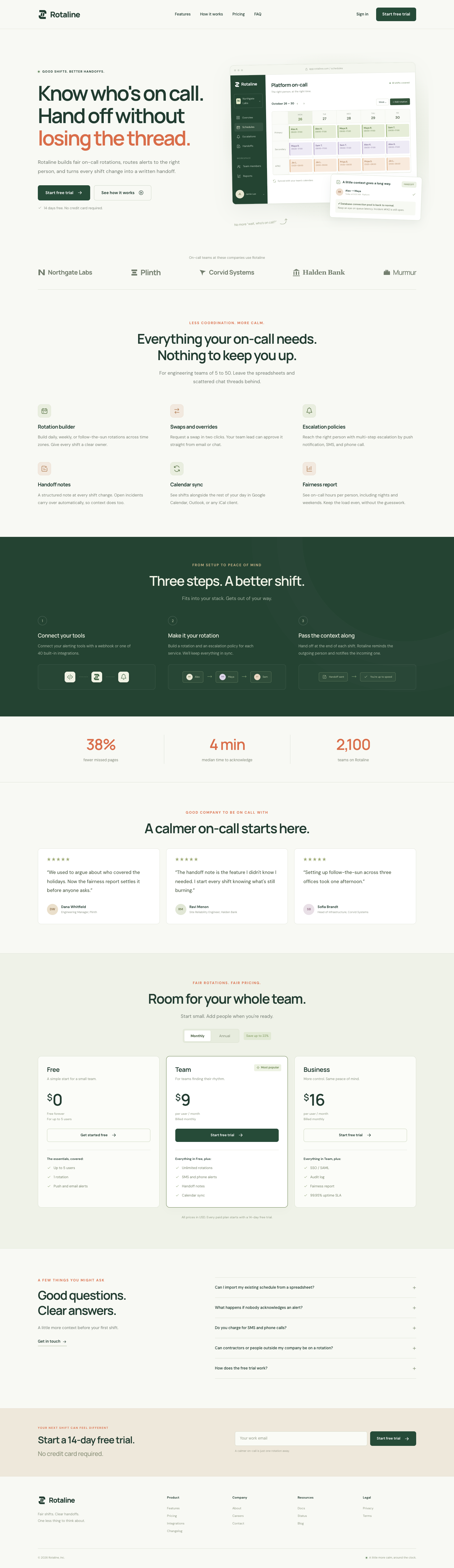
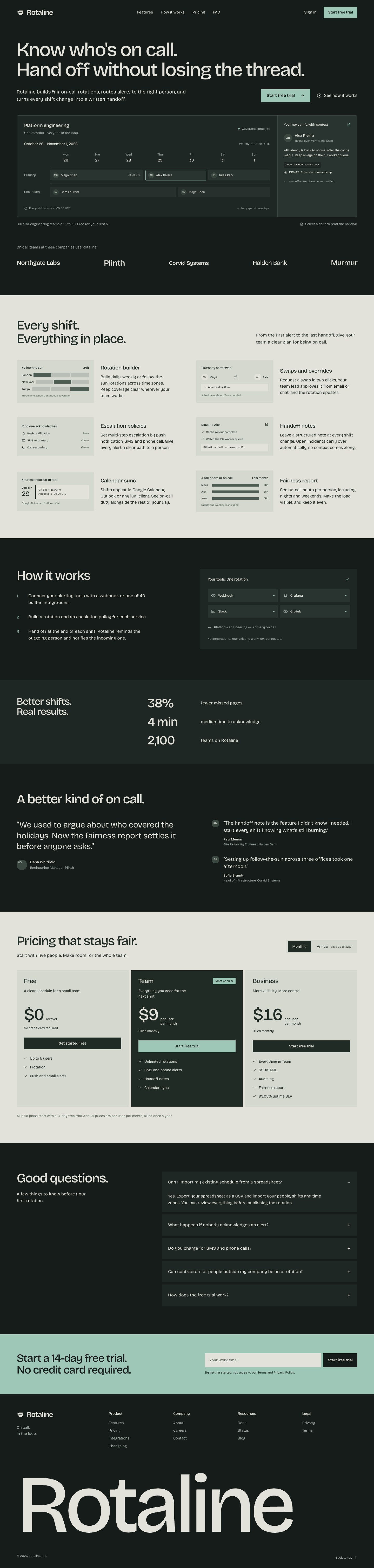
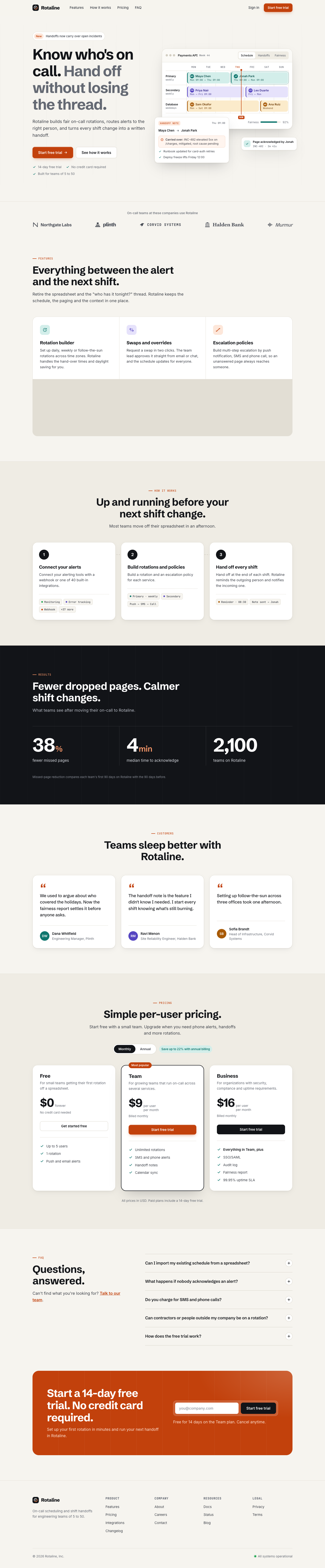
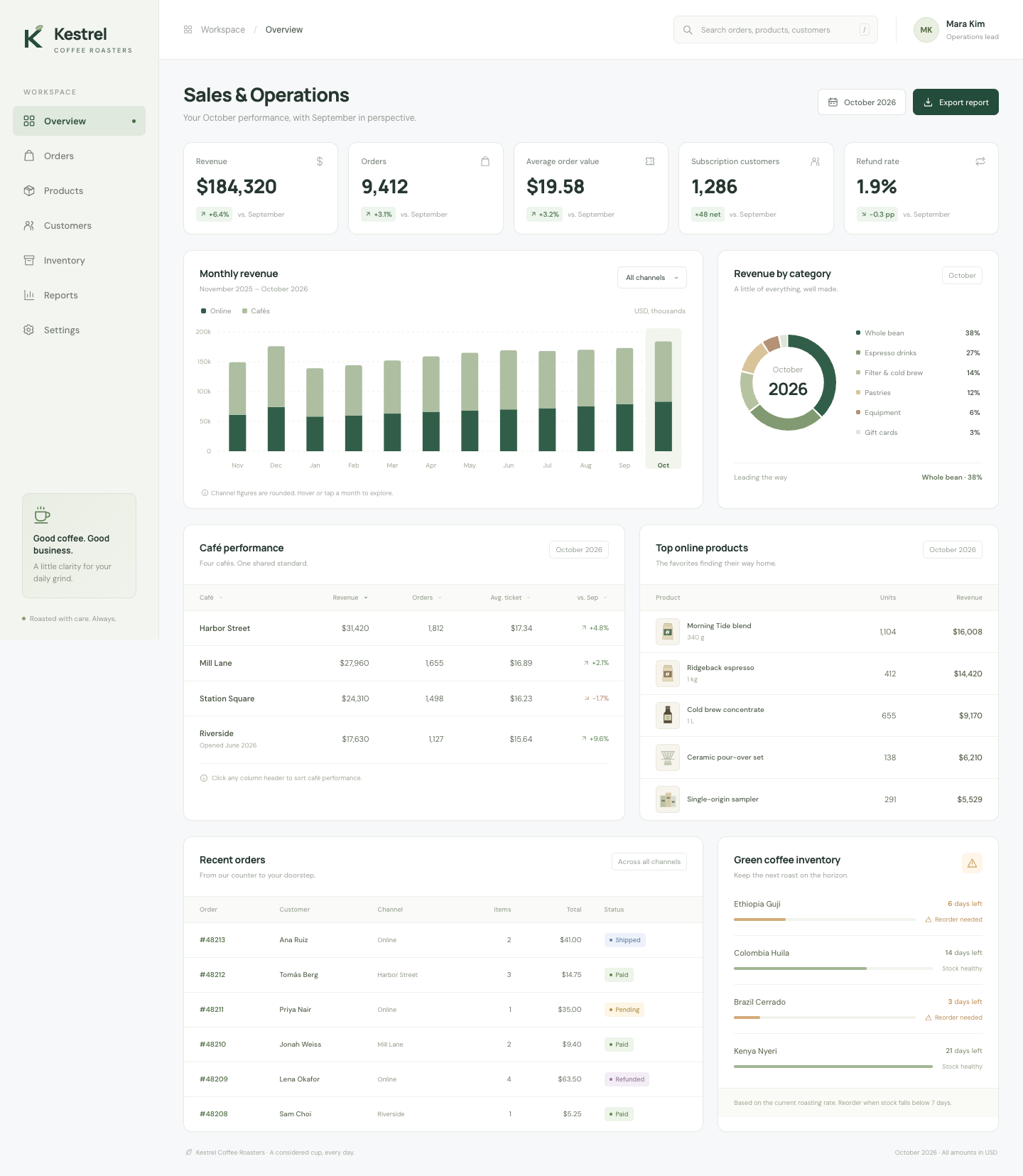
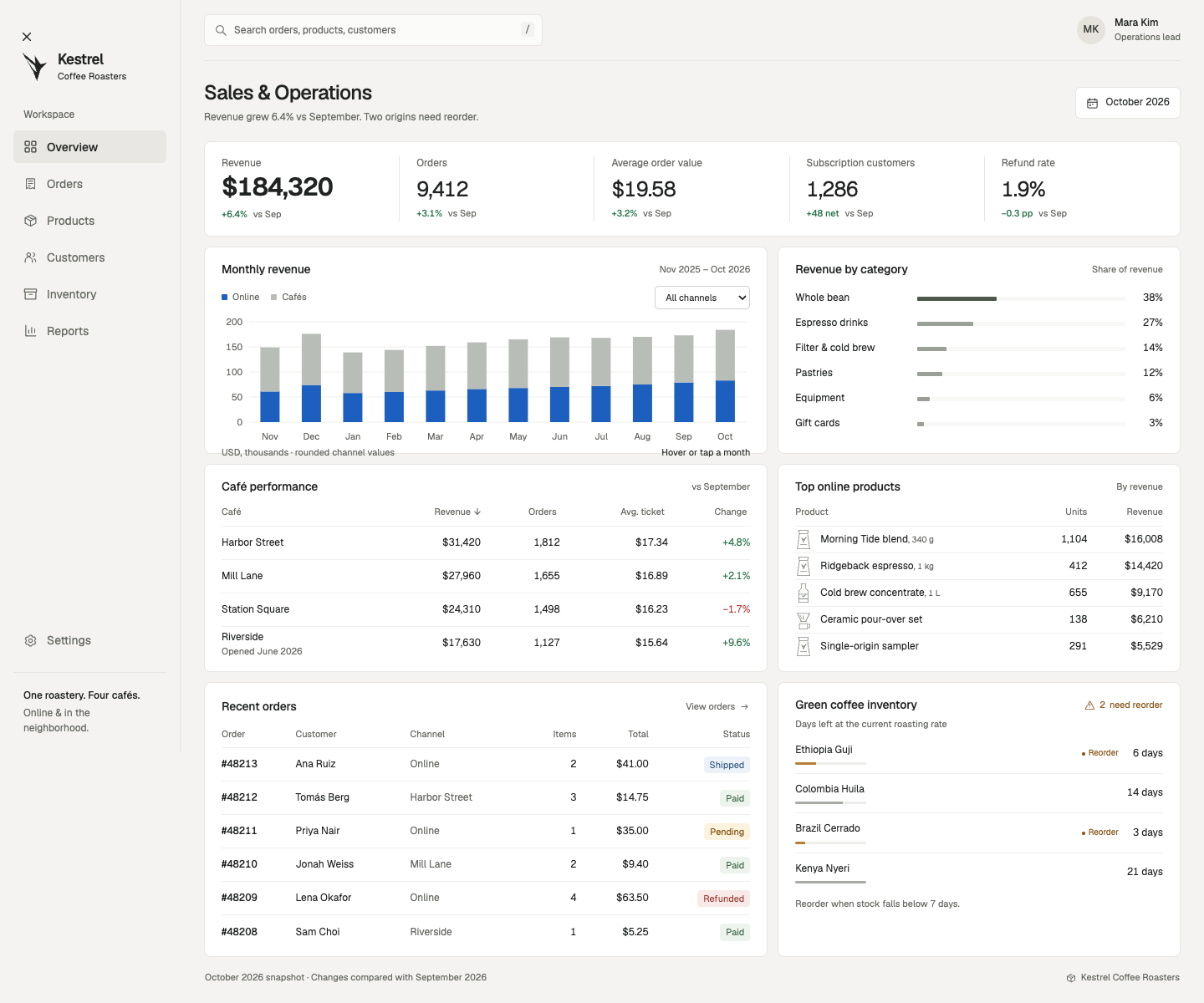
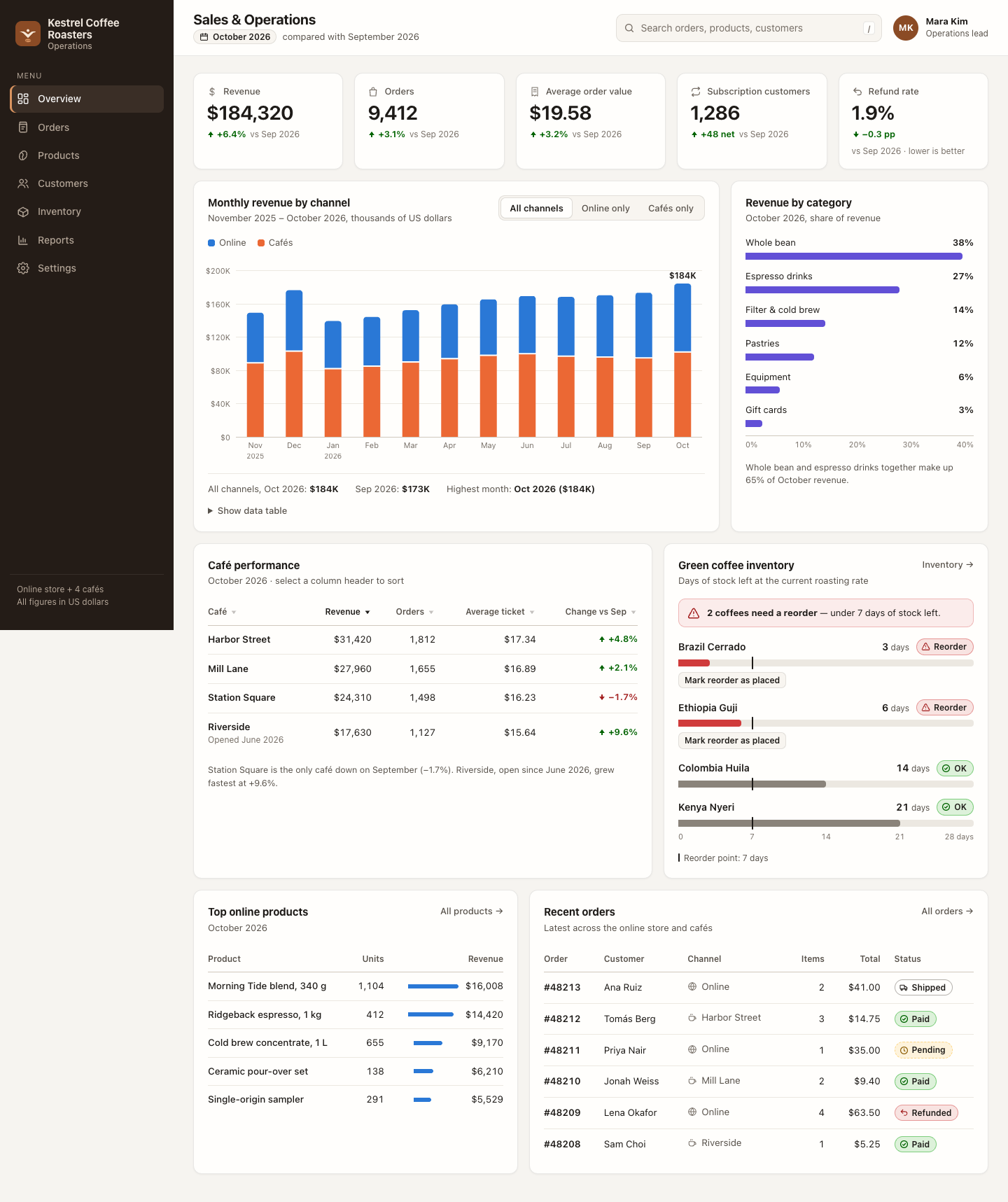
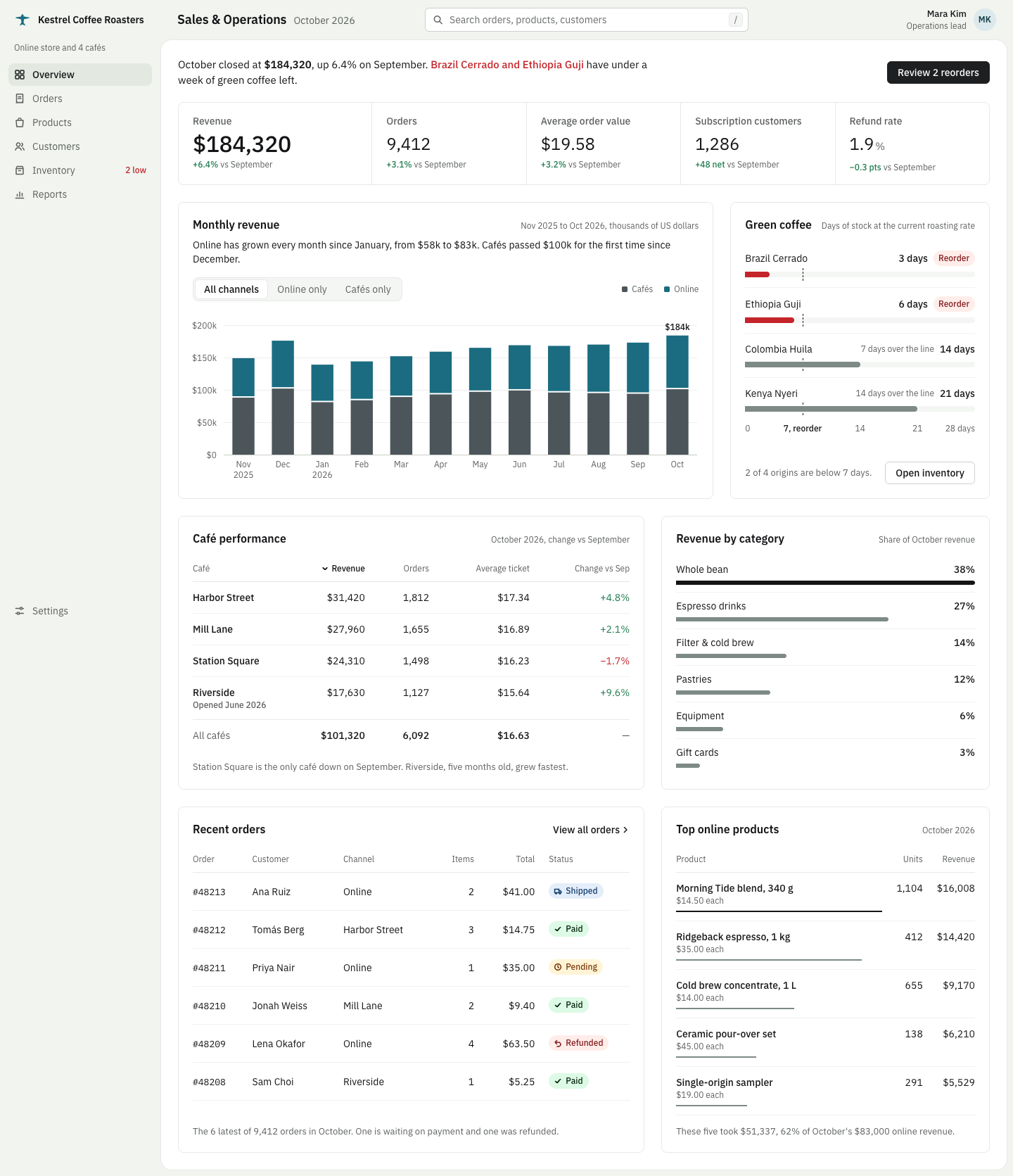
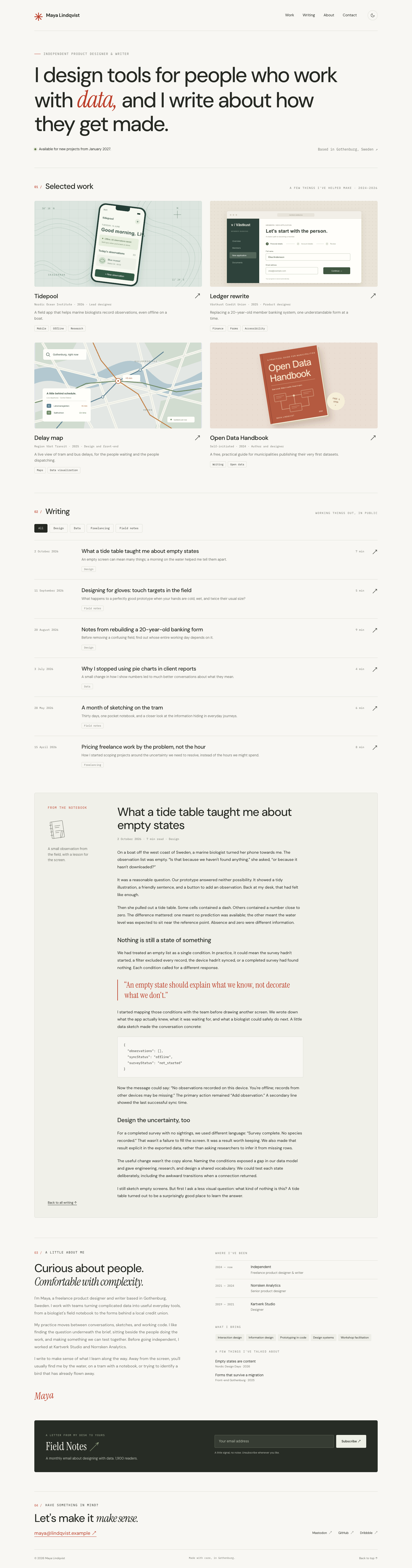
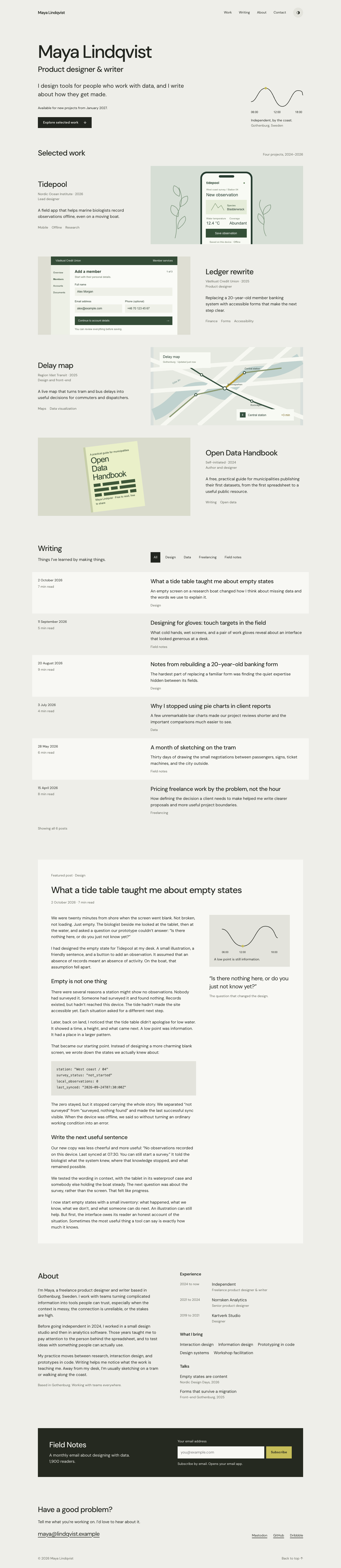
taste-skill v2: 웹사이트와 앱 화면을 위한 아트 디렉션입니다. 스크립트가 247개 사이트를 연구한 방향 라이브러리에서 세 가지 방향을 제시하면, 에이전트가 고른 방향으로 페이지를 만들고 함께 들어 있는 검사 도구로 실제 브라우저에서 확인합니다. 지침과 Node 스크립트로 이루어져 있으며 Node 22 이상, Chrome, 그리고 이미지를 찾기 위한 네트워크가 필요합니다.
# 대화형
/design-taste-frontend <작업 내용>

# 또는 요청 끝에 다음 문장 추가
Use the design-taste-frontend skill.

# 헤드리스(갤러리 실행과 동일)
claude -p '<작업 내용> Use the design-taste-frontend skill.'
모든 프로젝트에서 사용하려면 대신 ~/.claude/skills/design-taste-frontend/에 폴더를 두면 됩니다. 요청이 skill 설명과 일치하면 Claude Code가 skill을 스스로 로드할 수도 있습니다.
# 대화형: 이름으로 언급하거나 /skills에서 선택
$design-taste-frontend <작업 내용>

# 헤드리스(갤러리 실행과 동일)
codex exec -s workspace-write '<작업 내용> Use the $design-taste-frontend skill.'
모든 프로젝트에서 사용하려면 대신 ~/.agents/skills/design-taste-frontend/에 폴더를 두면 됩니다. Codex도 설명을 보고 skill을 스스로 선택할 수 있습니다.
참고
The upstream folder name (taste-skill) differs from the skill name (design-taste-frontend); the gallery installs it under the skill name.
Writes working files to .taste-skill/ and may save pictures and scripts next to index.html; the run scripts keep the files index.html references (output.kept_assets) and flag them as extra_files.
Codex cells have no network, so the picture search step cannot run there.
Its two signature strengths, real pictures and scroll scenes with a motion layer, are limited by the shared prompt rules (no remote images) and invisible in static screenshots; each cell also has a scroll recording.
Upstream released v2.0.0 to v2.1.5 within 12 days; always use the pinned commit.