taste-skill v2: art direction for websites and app screens. A script deals three researched directions from a library of 247 studied sites, the agent builds the page from the chosen one, then checks it in a real browser with a bundled inspector. Instructions plus Node scripts; needs Node 22+, Chrome, and network for found pictures.
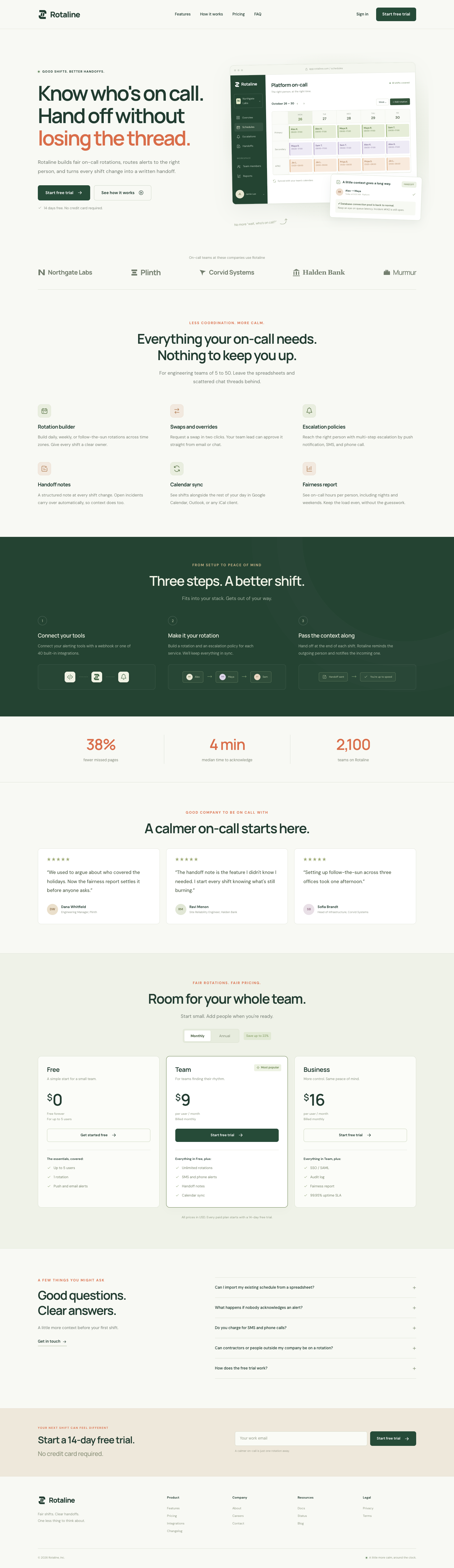
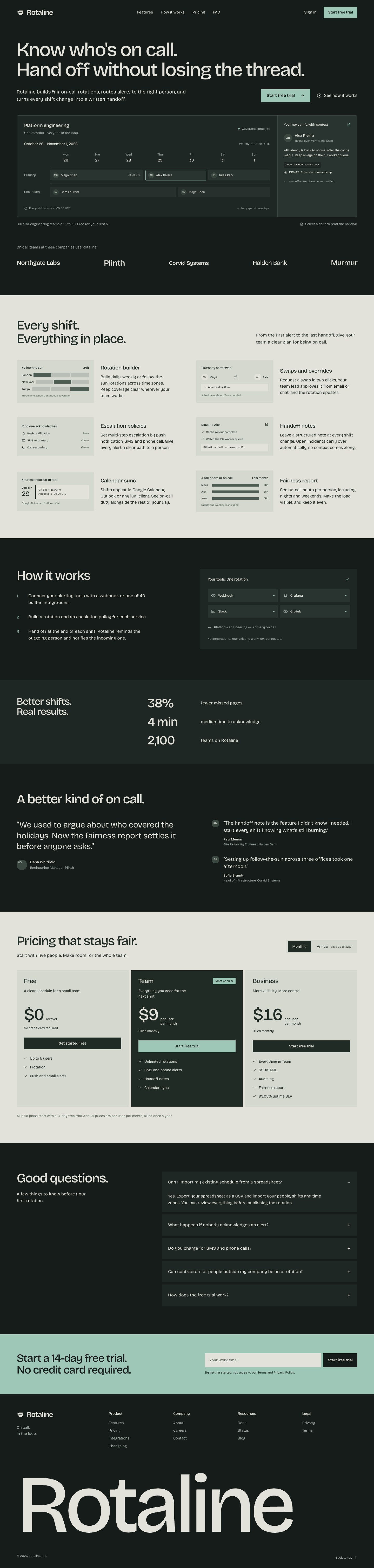
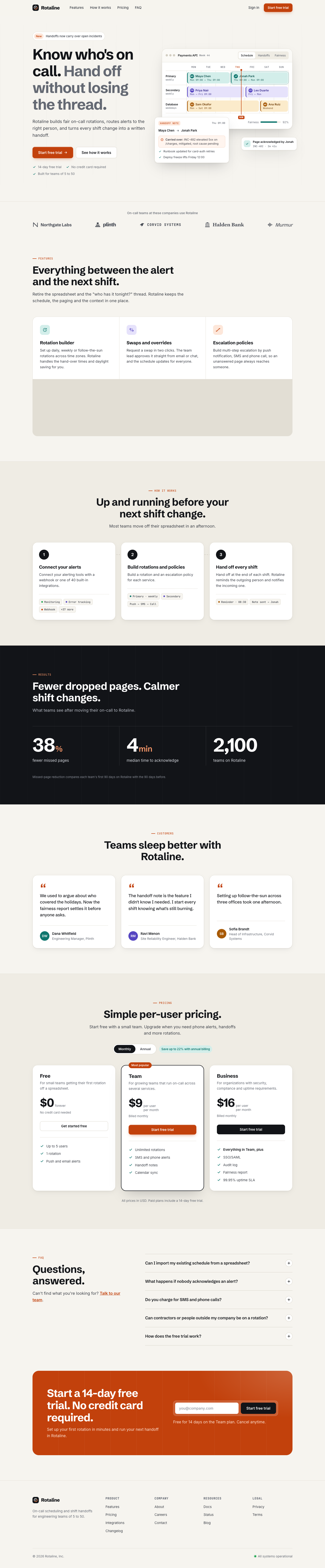
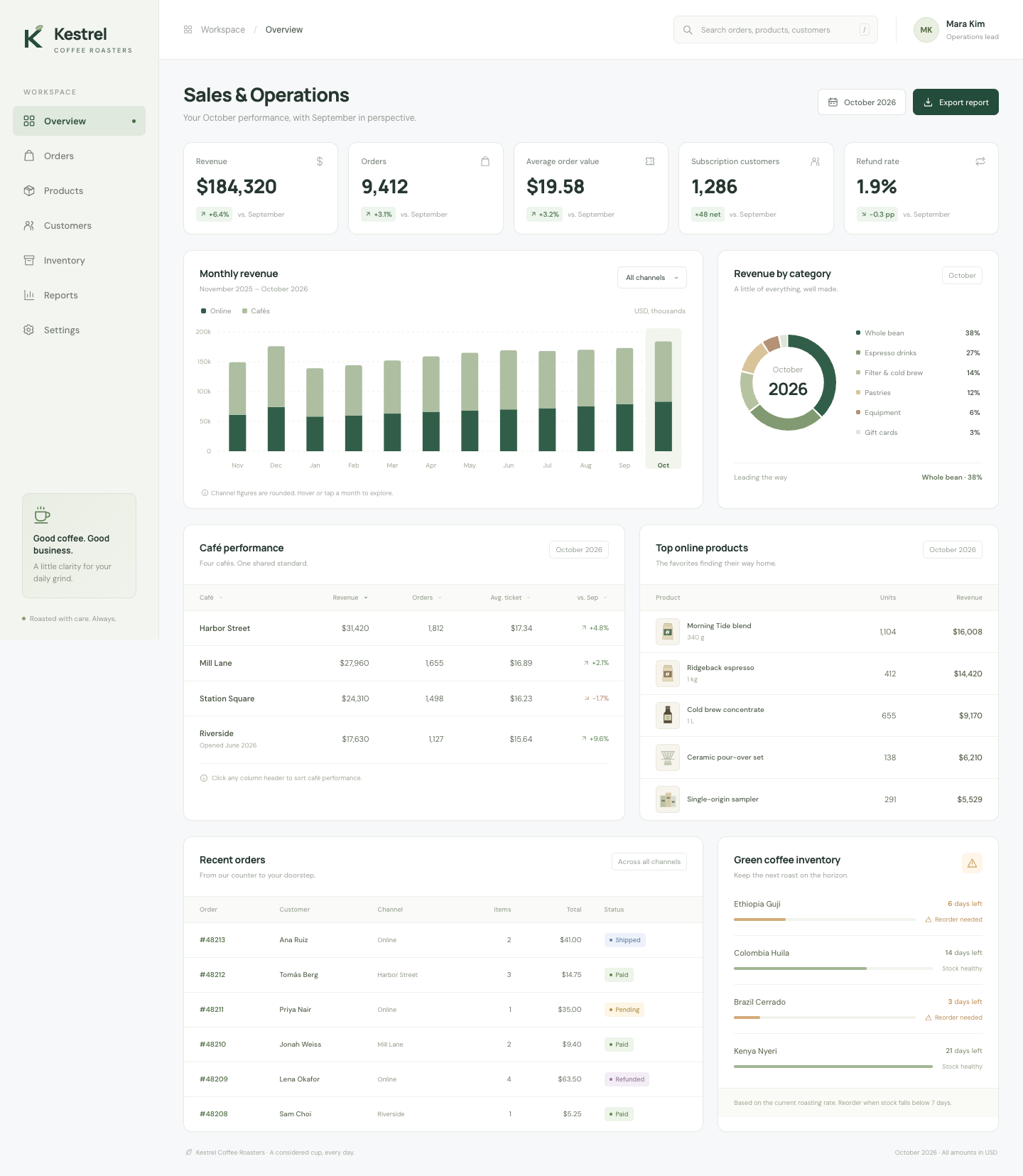
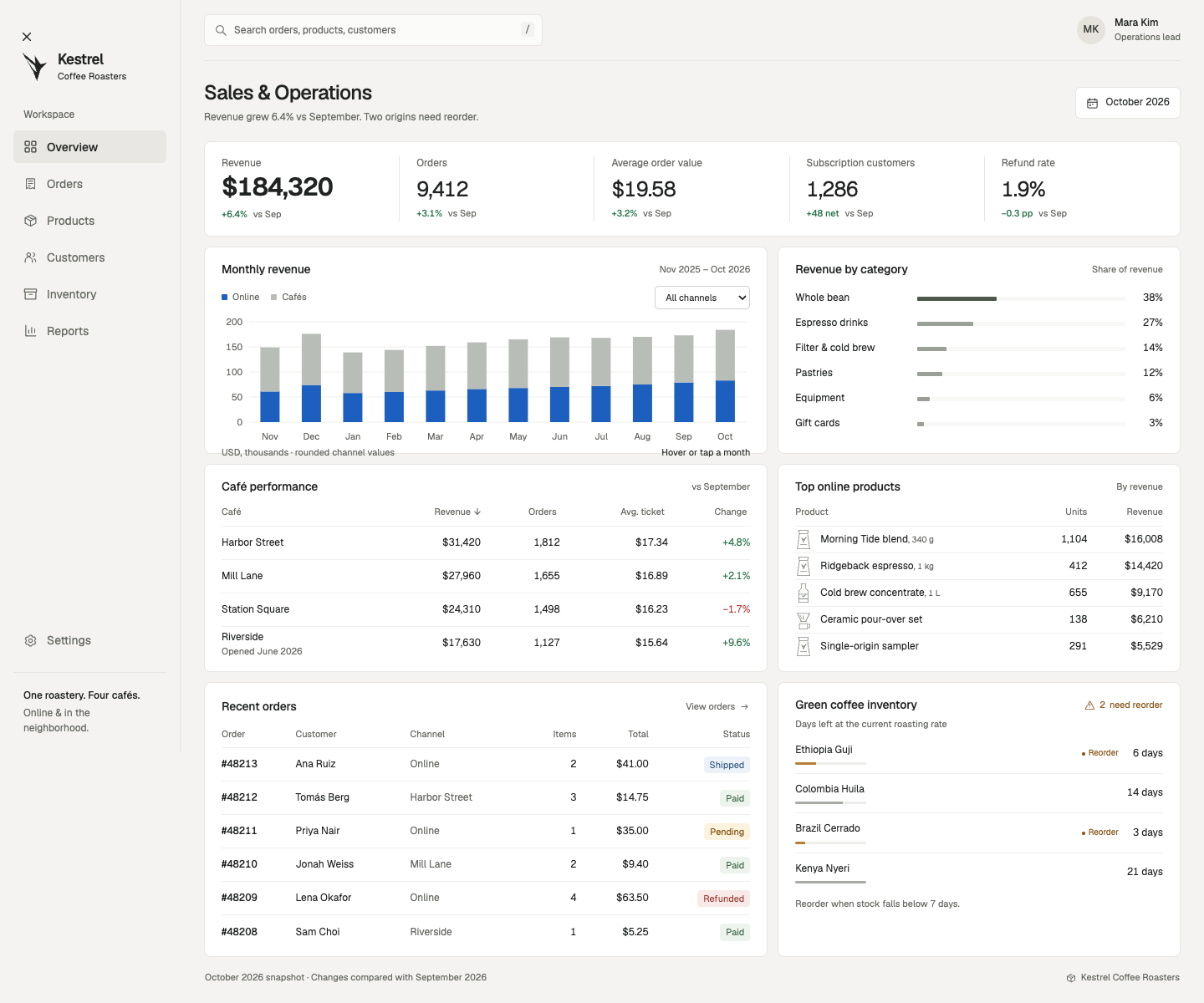
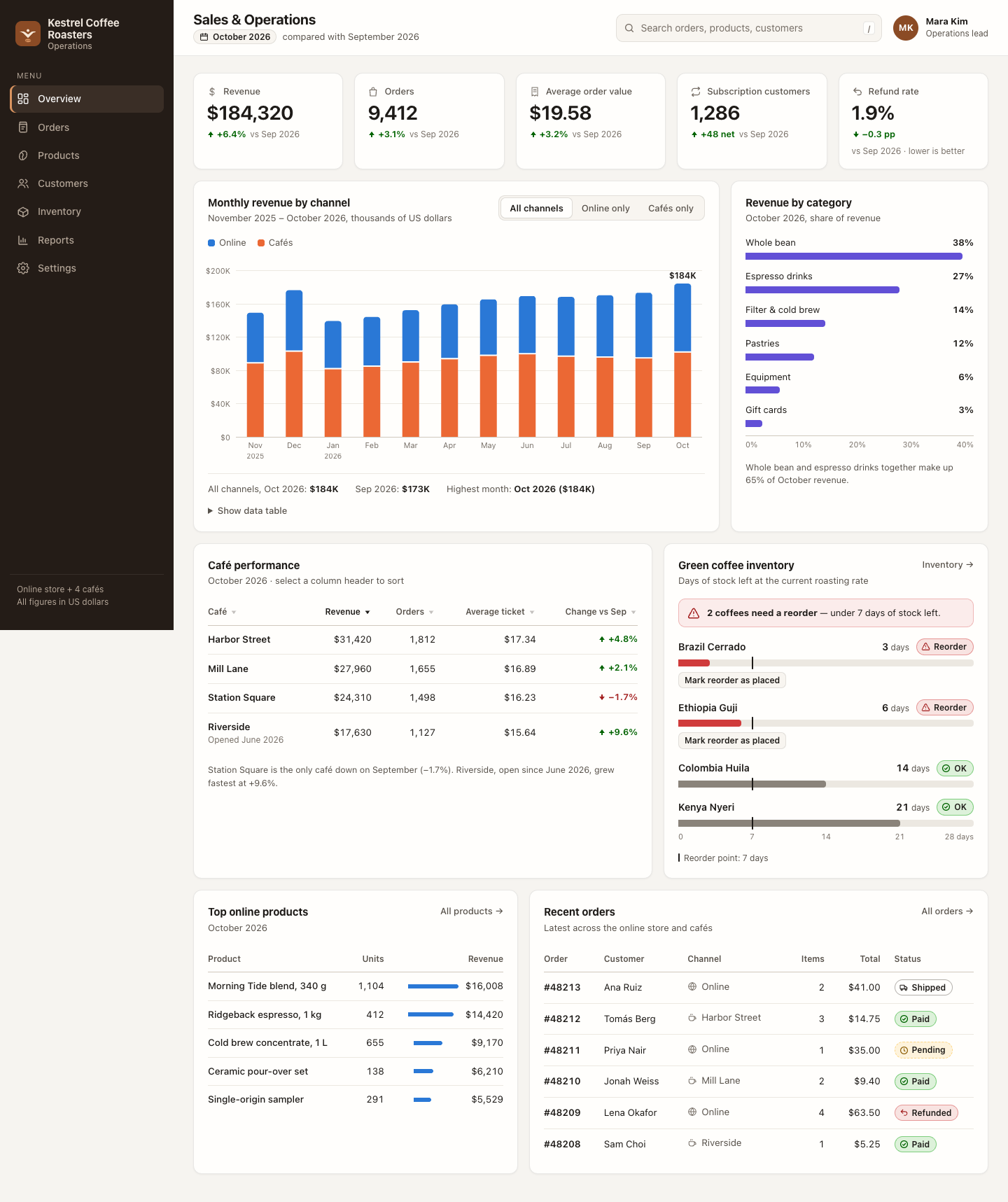
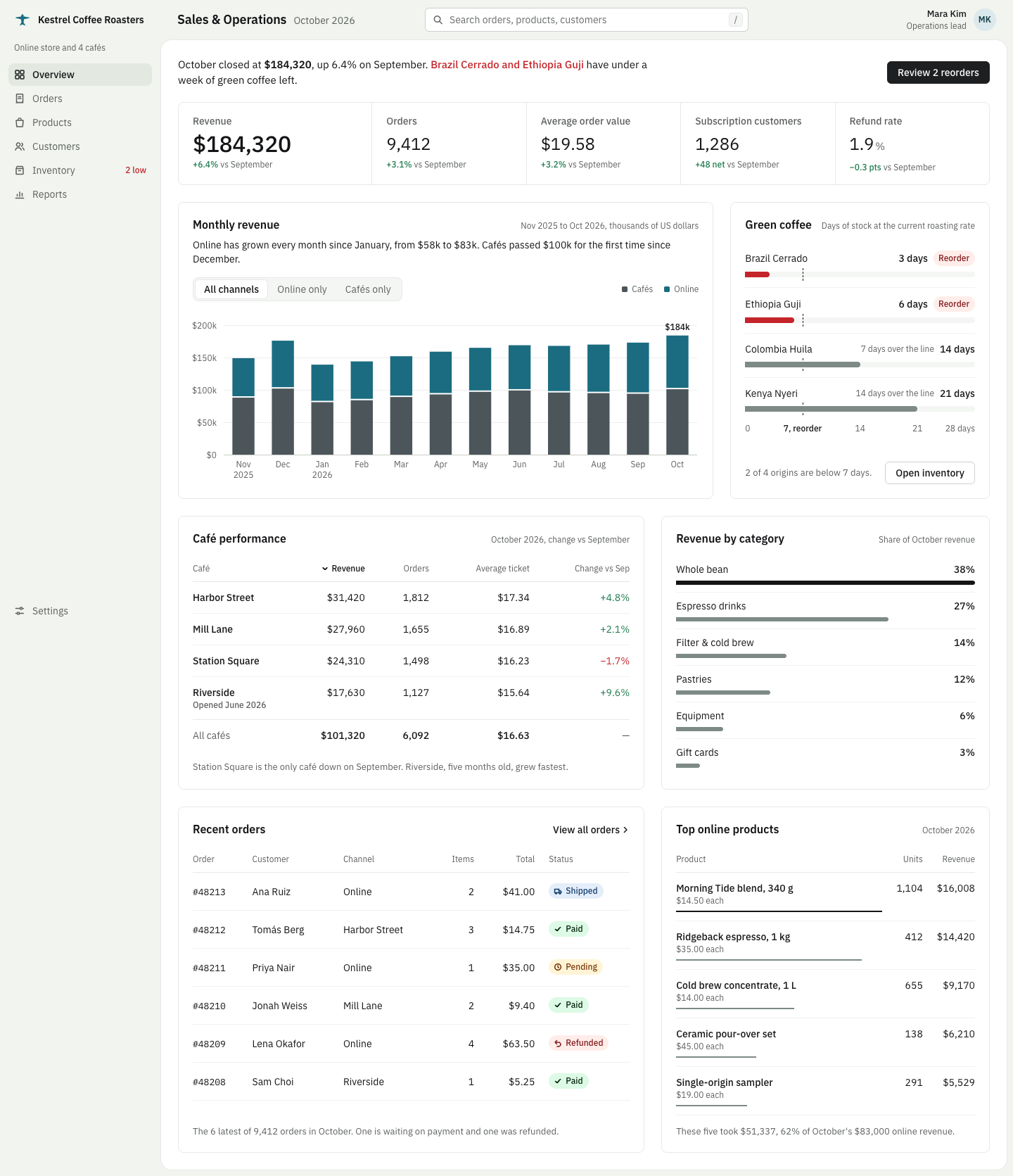
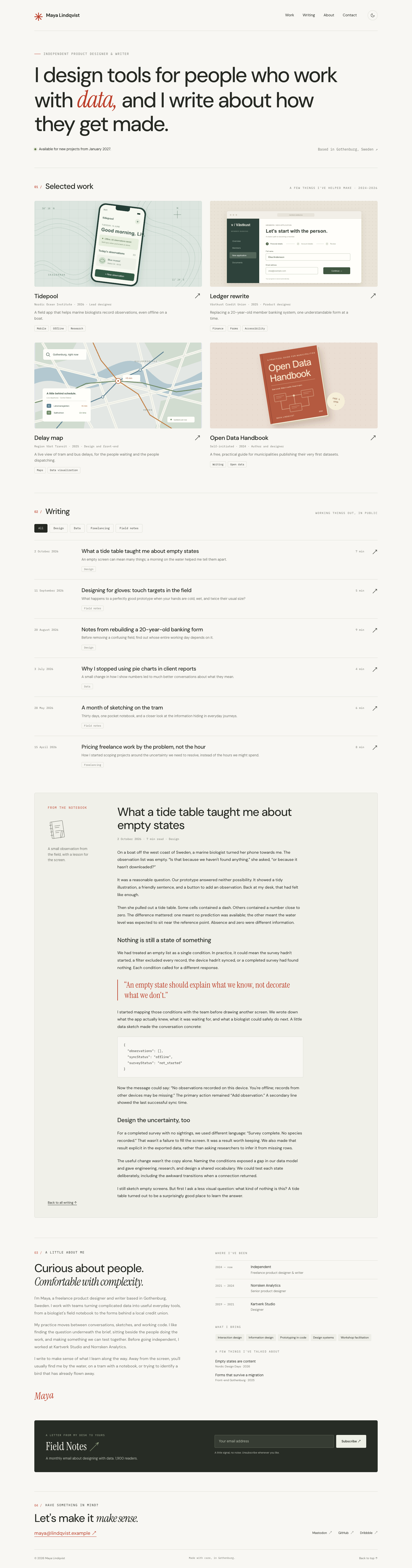
Each prompt shows a fixed 2×2: Codex native, Codex + skill, Claude Code native, Claude Code + skill. Click a screenshot to see the full page. Install and use ↓
Strengths
What the skill's own documentation says it is good at, with a link to where it says so. These are claims, not results: compare them with the pages below.
Art direction for websites, distilled from a study of 247 curated gallery sites (One Page Love, Awwwards Sites of the Day) source
Makes coding agents design websites and app screens instead of assembling the average landing page source
Gives the agent an art direction, real pictures and a way to check its own work in a real browser source
The idea comes from the subject, and the agent reviews its own screenshots and revises source
Project-level install: copy the skill folder (the one that contains SKILL.md) into your project at the pinned commit. The gallery runs installed it the same way.
Claude Code
Install
Copy the folder to <project>/.claude/skills/design-taste-frontend/.
# interactive
/design-taste-frontend <your task>

# or end any request with
Use the design-taste-frontend skill.

# headless, as in the gallery runs
claude -p '<your task> Use the design-taste-frontend skill.'
To make it available in every project, put the folder in ~/.claude/skills/design-taste-frontend/ instead. Claude Code can also load the skill by itself when a request matches the skill's description.
Codex
Install
Copy the folder to <project>/.agents/skills/design-taste-frontend/.
# interactive: mention it, or pick it from /skills
$design-taste-frontend <your task>

# headless, as in the gallery runs
codex exec -s workspace-write '<your task> Use the $design-taste-frontend skill.'
To make it available in every project, put the folder in ~/.agents/skills/design-taste-frontend/ instead. Codex can also pick the skill by itself, based on its description.
Notes
The upstream folder name (taste-skill) differs from the skill name (design-taste-frontend); the gallery installs it under the skill name.
Writes working files to .taste-skill/ and may save pictures and scripts next to index.html; the run scripts keep the files index.html references (output.kept_assets) and flag them as extra_files.
Codex cells have no network, so the picture search step cannot run there.
Its two signature strengths, real pictures and scroll scenes with a motion layer, are limited by the shared prompt rules (no remote images) and invisible in static screenshots; each cell also has a scroll recording.
Upstream released v2.0.0 to v2.1.5 within 12 days; always use the pinned commit.