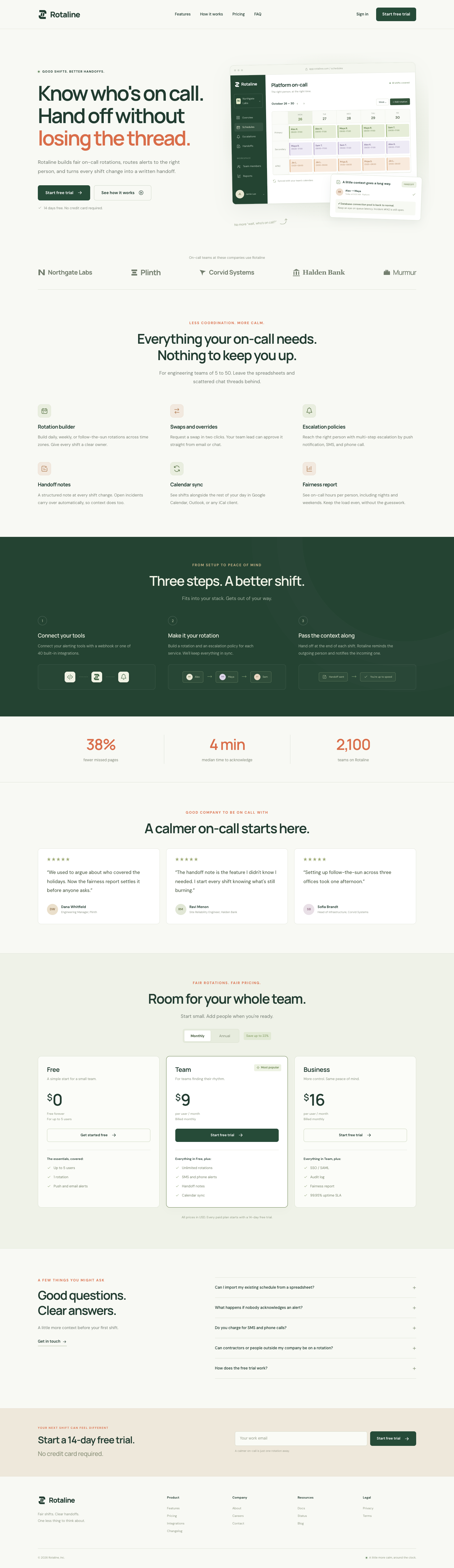
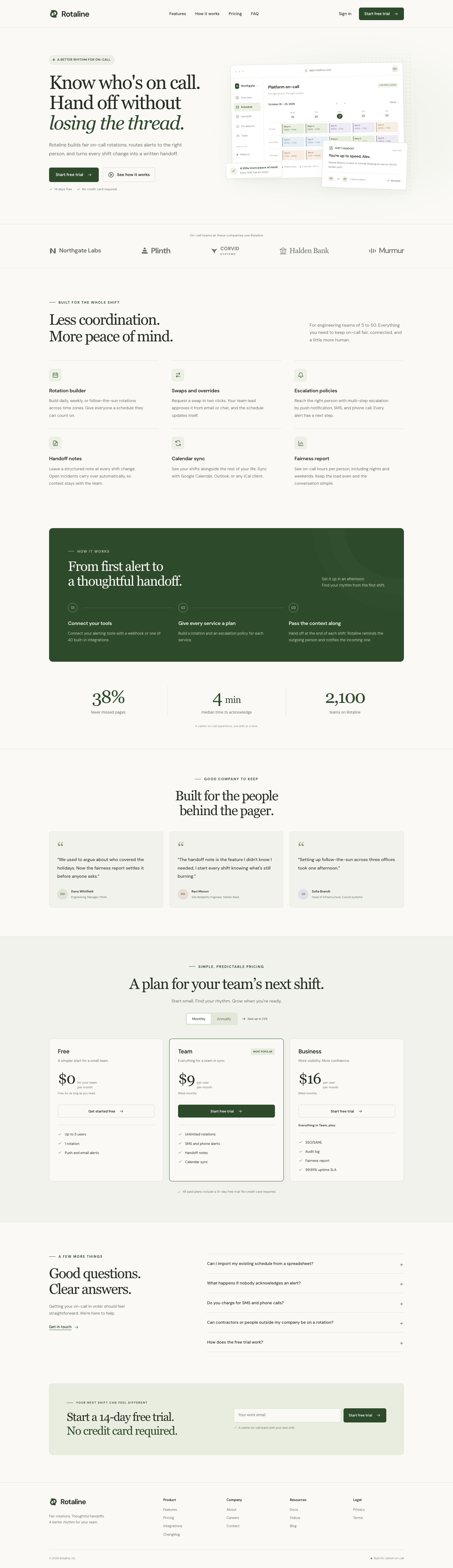
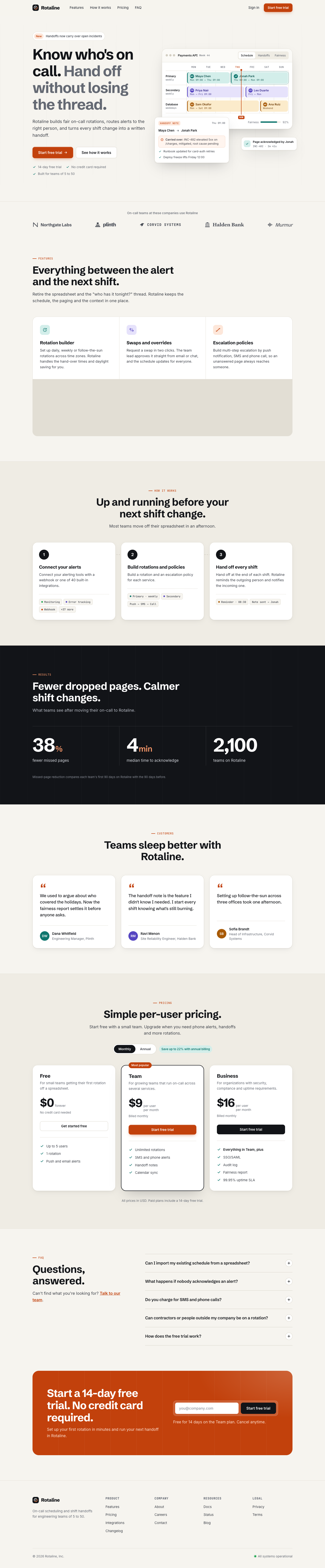
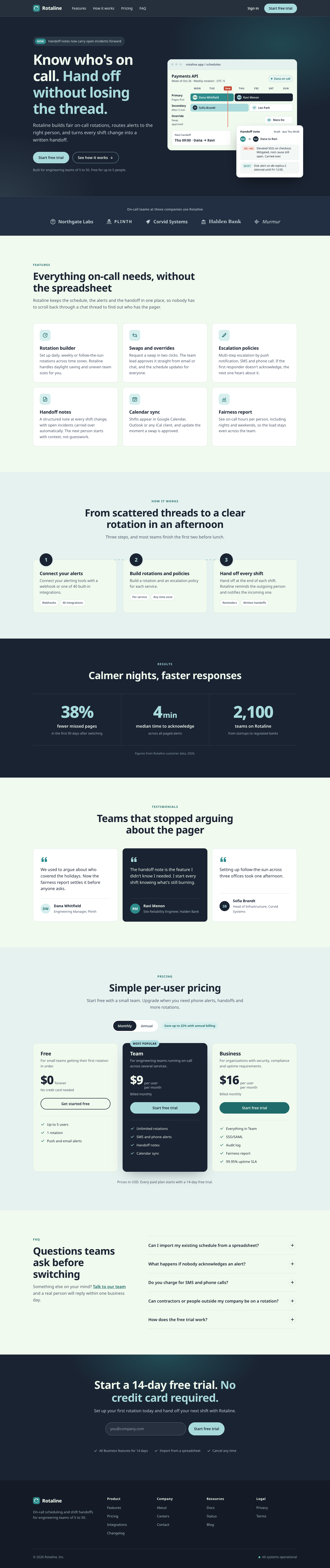
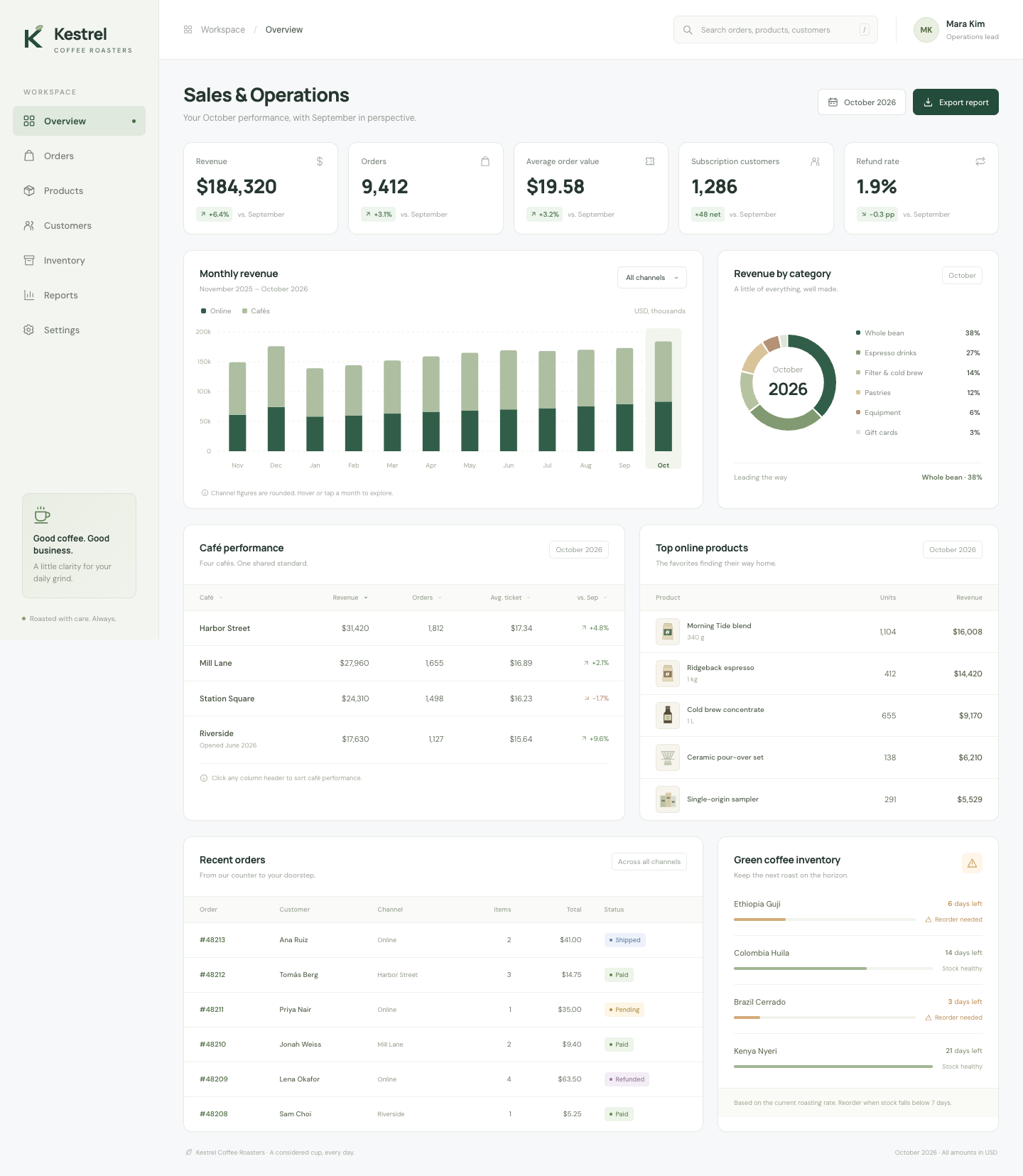
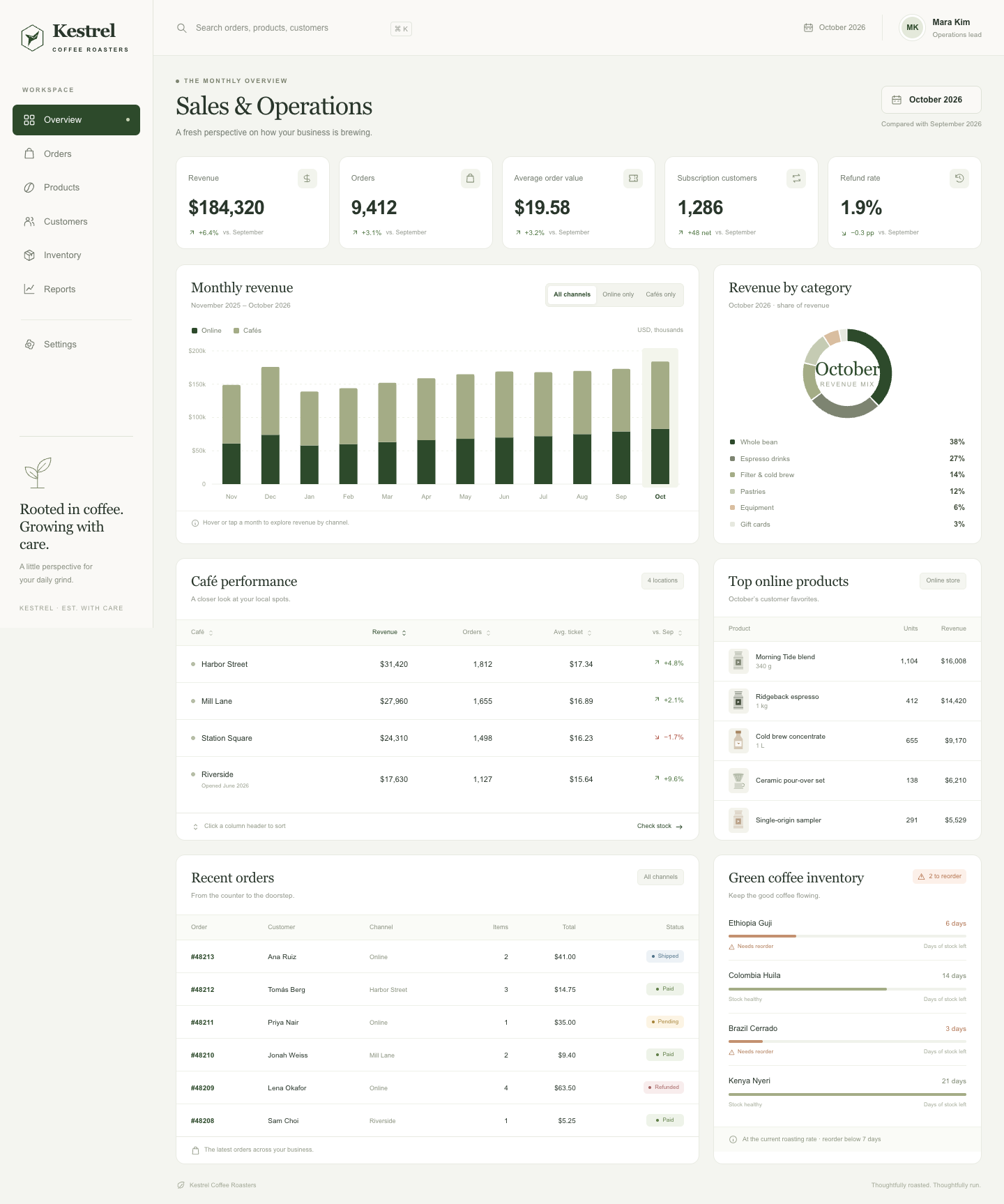
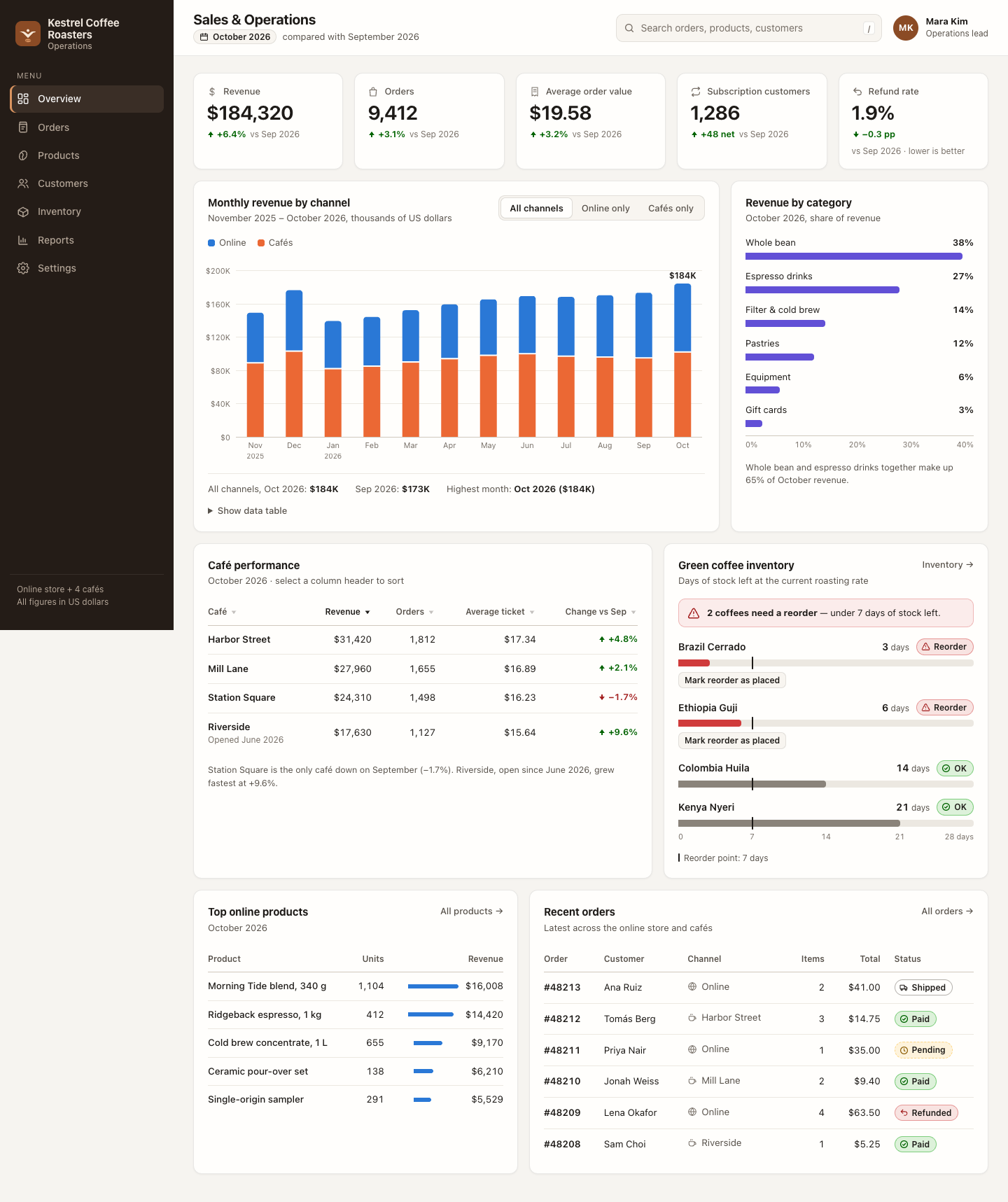
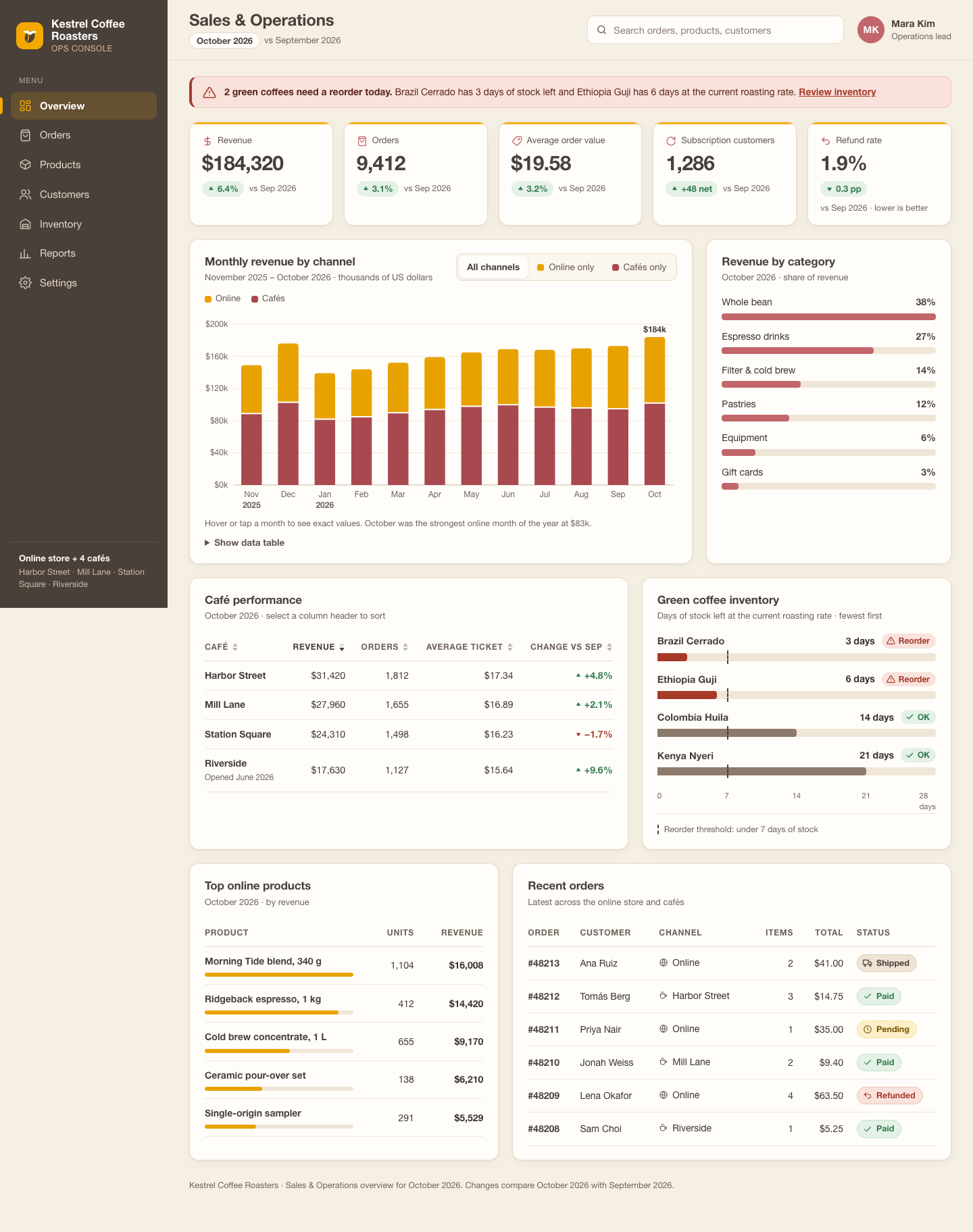
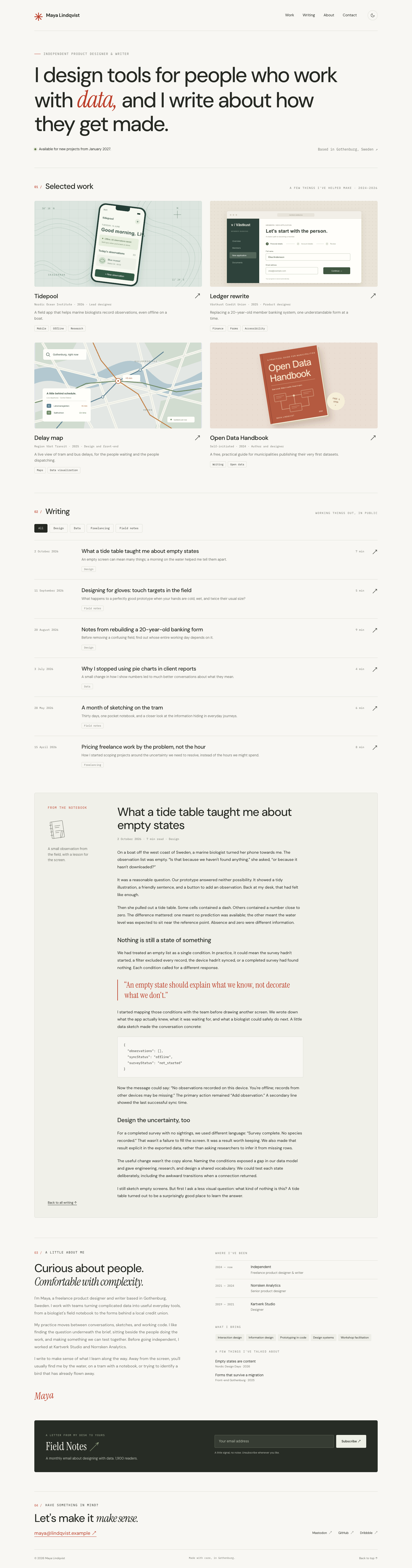
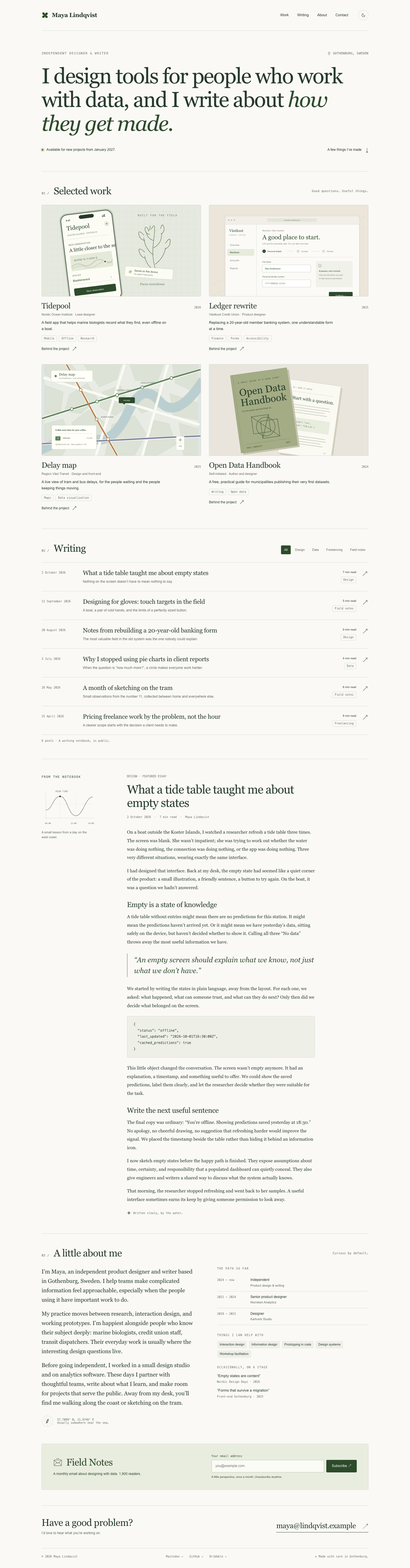
Anthropic's theme toolkit: ten preset colour palettes with font pairings (or a generated custom theme) applied to a finished artifact such as a landing page. Colour and type only, no layout. Instructions plus ten small theme files and a showcase PDF.
Each prompt shows a fixed 2×2: Codex native, Codex + skill, Claude Code native, Claude Code + skill. Click a screenshot to see the full page. Install and use ↓
Strengths
What the skill's own documentation says it is good at, with a link to where it says so. These are claims, not results: compare them with the pages below.
Ten preset themes with colours and fonts that can be applied to any finished artifact, or a new theme generated on the fly source
A cohesive colour palette with hex codes and complementary font pairings for headers and body text source
Decided from the skill text before the batch-2 runs. Only landing pages are named; dashboard and blog-portfolio rely on "reportings" and "any artifact".
Project-level install: copy the skill folder (the one that contains SKILL.md) into your project at the pinned commit. The gallery runs installed it the same way.
Claude Code
Install
Copy the folder to <project>/.claude/skills/theme-factory/.
# interactive
/theme-factory <your task>

# or end any request with
Use the theme-factory skill.

# headless, as in the gallery runs
claude -p '<your task> Use the theme-factory skill.'
To make it available in every project, put the folder in ~/.claude/skills/theme-factory/ instead. Claude Code can also load the skill by itself when a request matches the skill's description.
Codex
Install
Copy the folder to <project>/.agents/skills/theme-factory/.
# interactive: mention it, or pick it from /skills
$theme-factory <your task>

# headless, as in the gallery runs
codex exec -s workspace-write '<your task> Use the $theme-factory skill.'
To make it available in every project, put the folder in ~/.agents/skills/theme-factory/ instead. Codex can also pick the skill by itself, based on its description.
Notes
Written mainly for slide decks; the description also lists HTML landing pages.
The documented workflow asks the user to pick a theme and waits; in one-pass cells the agent has to choose.
Theme fonts are system fonts (DejaVu Sans etc.) meant for documents.