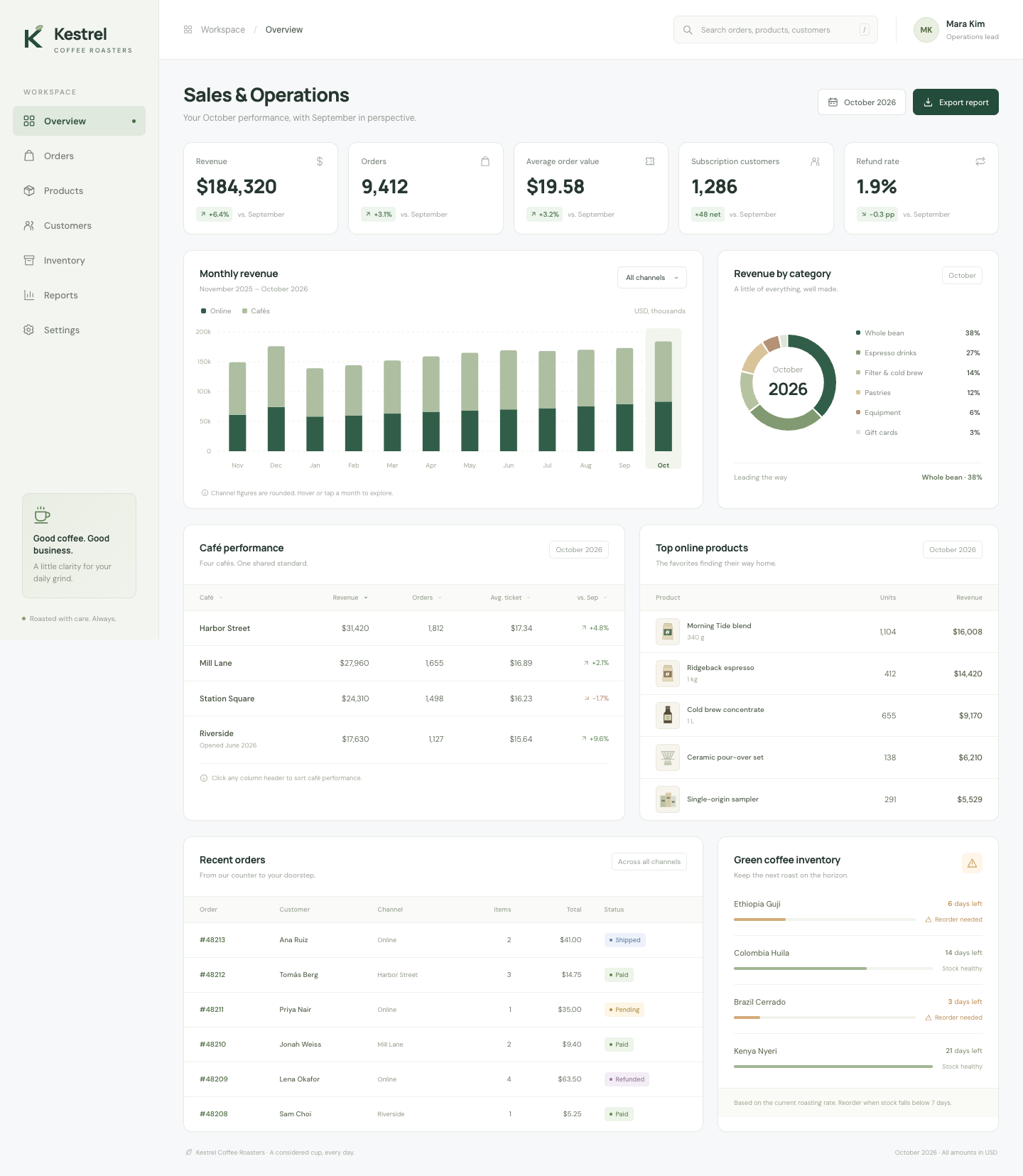
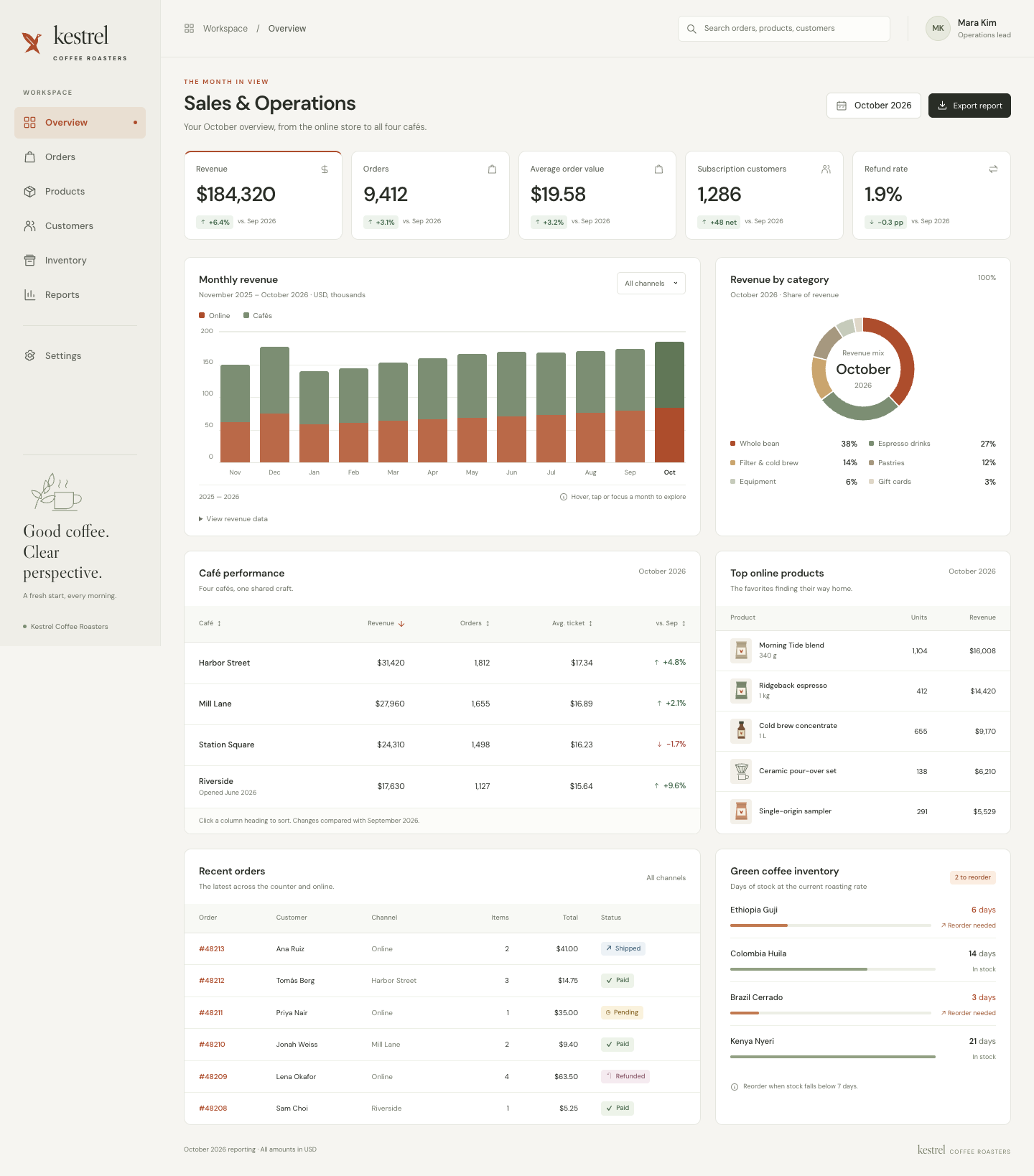
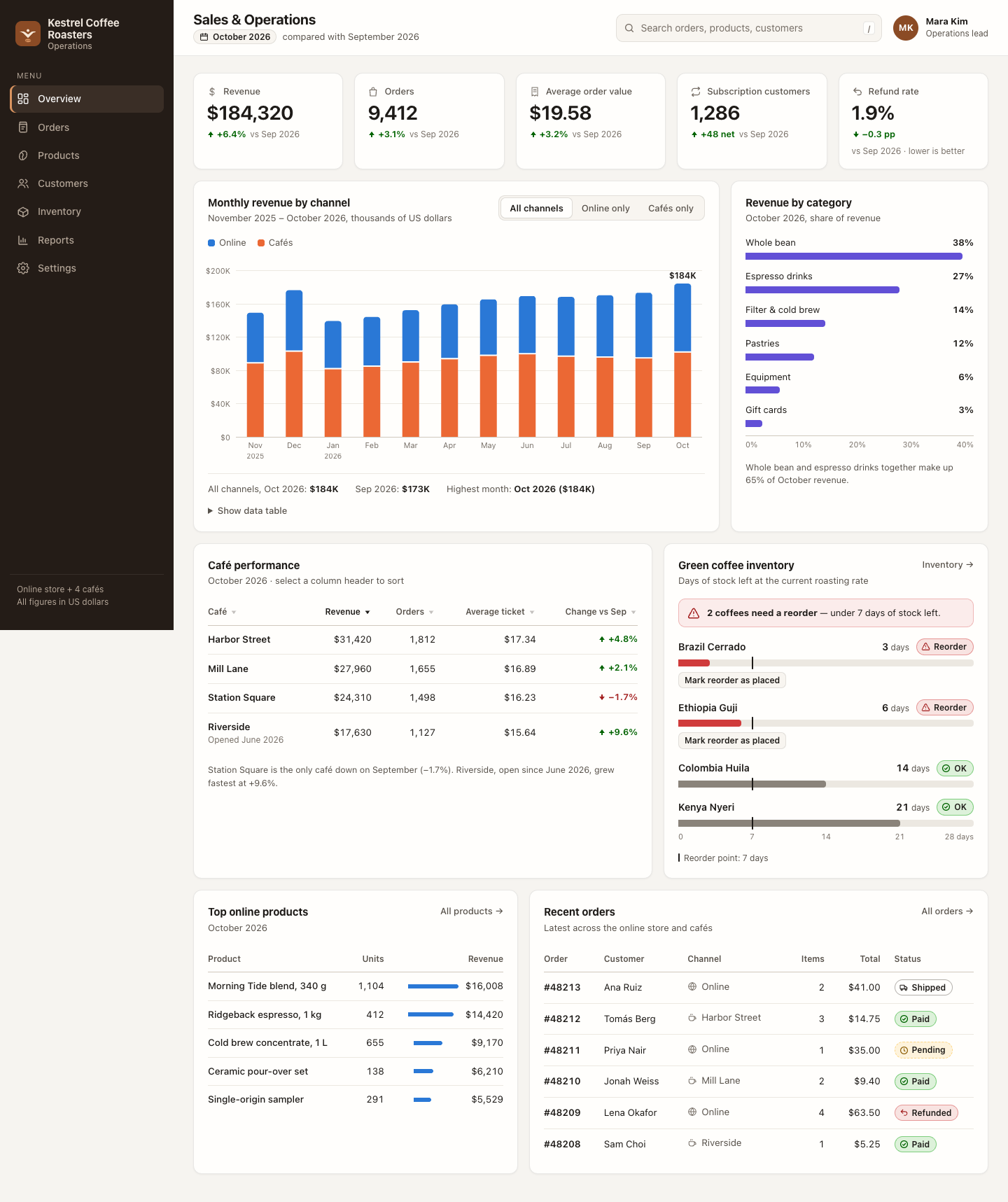
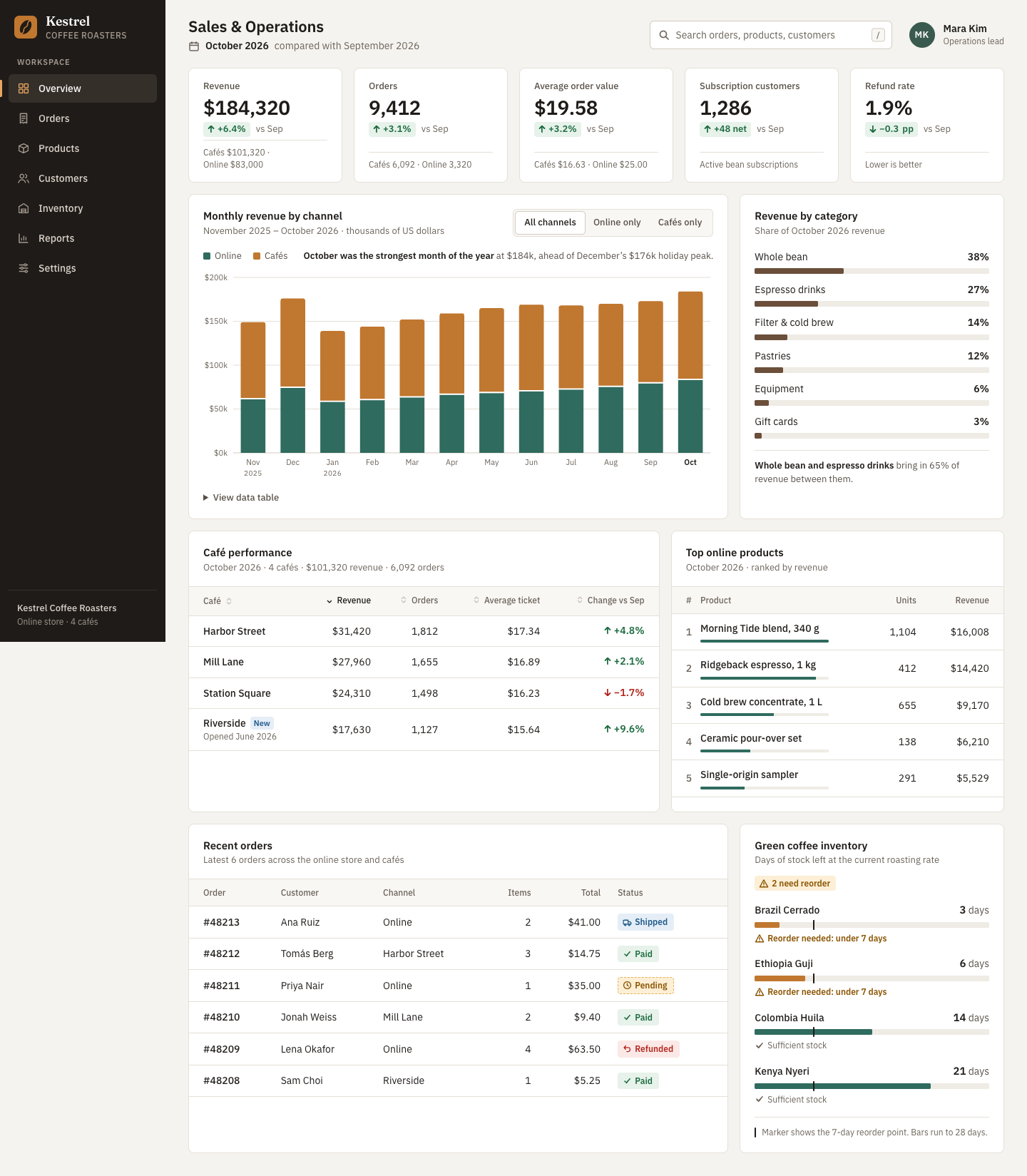
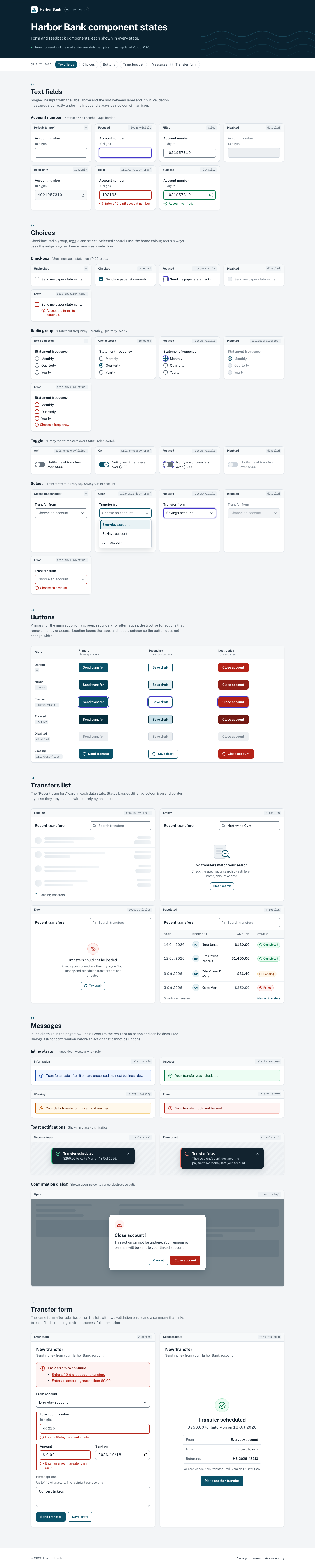
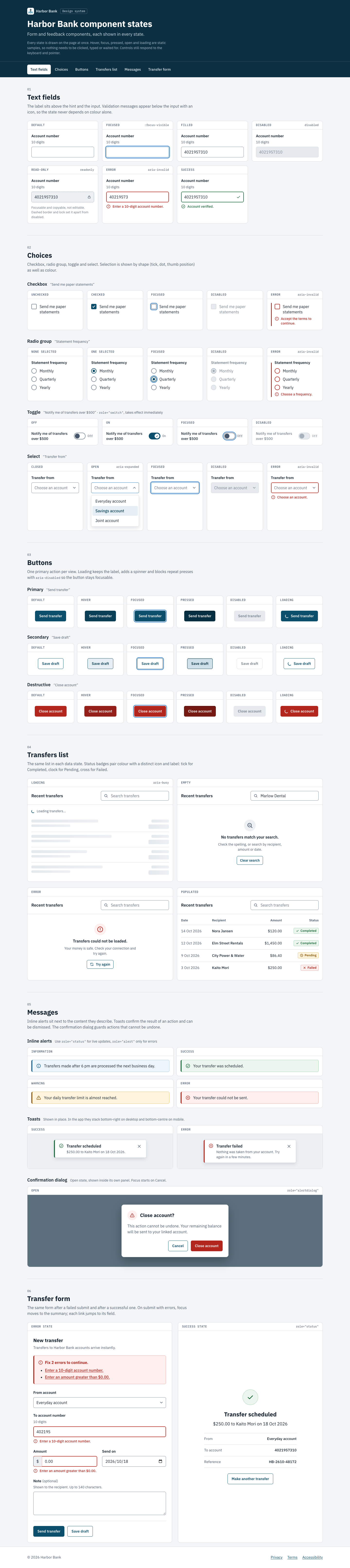
Engineering-quality front-end skill by Addy Osmani: accessible, responsive UIs with loading, empty and error states, semantic tokens and a table of "AI aesthetic" defaults to avoid. Instructions only, no scripts.
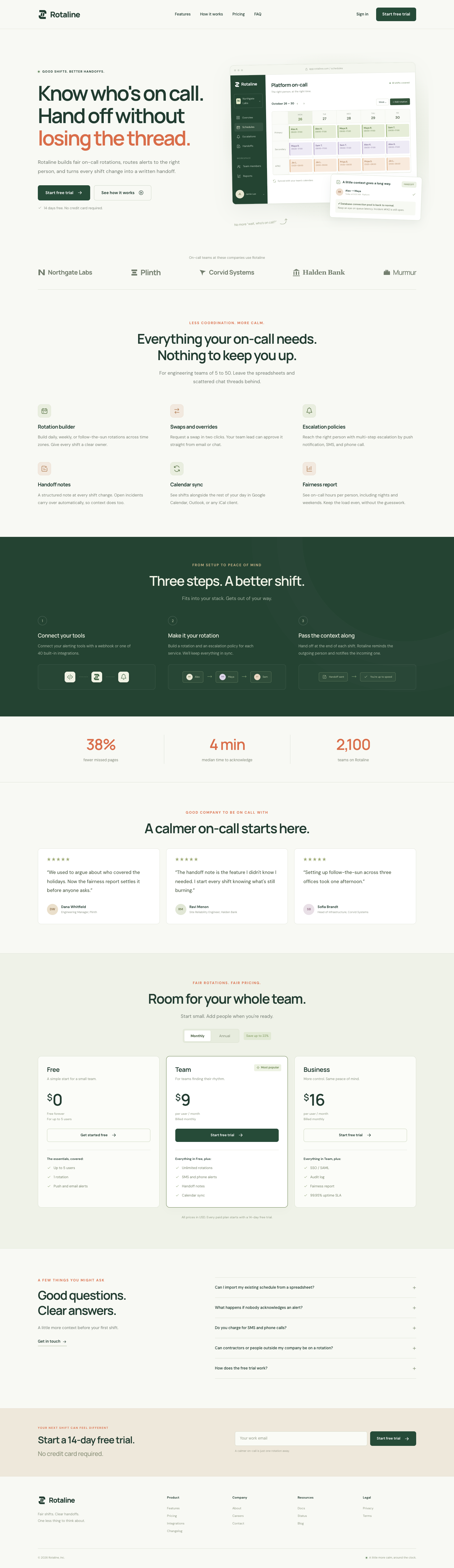
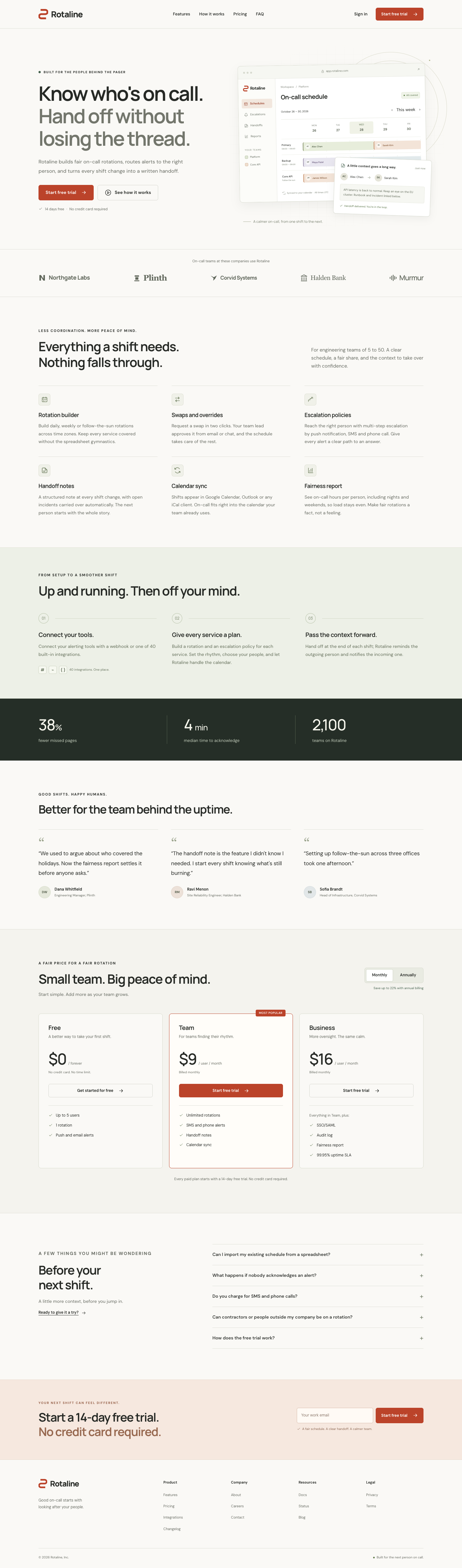
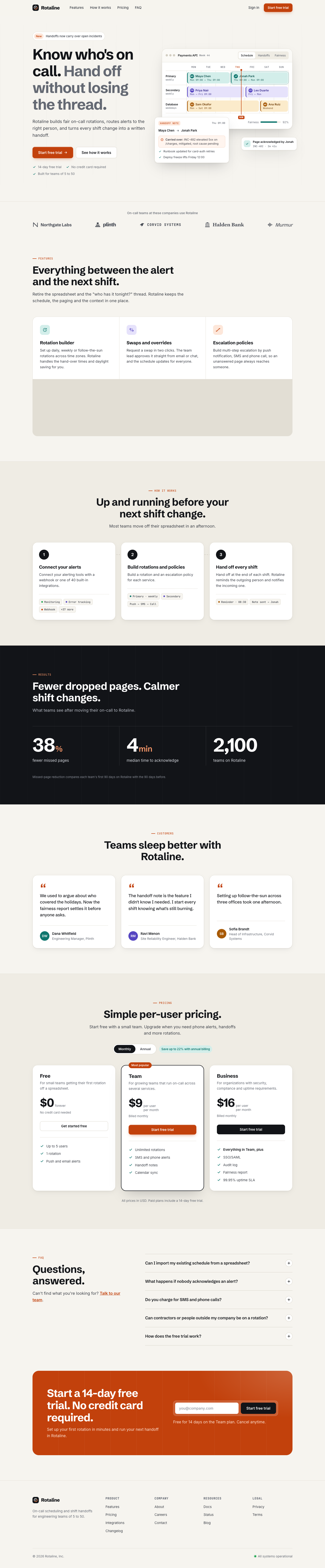
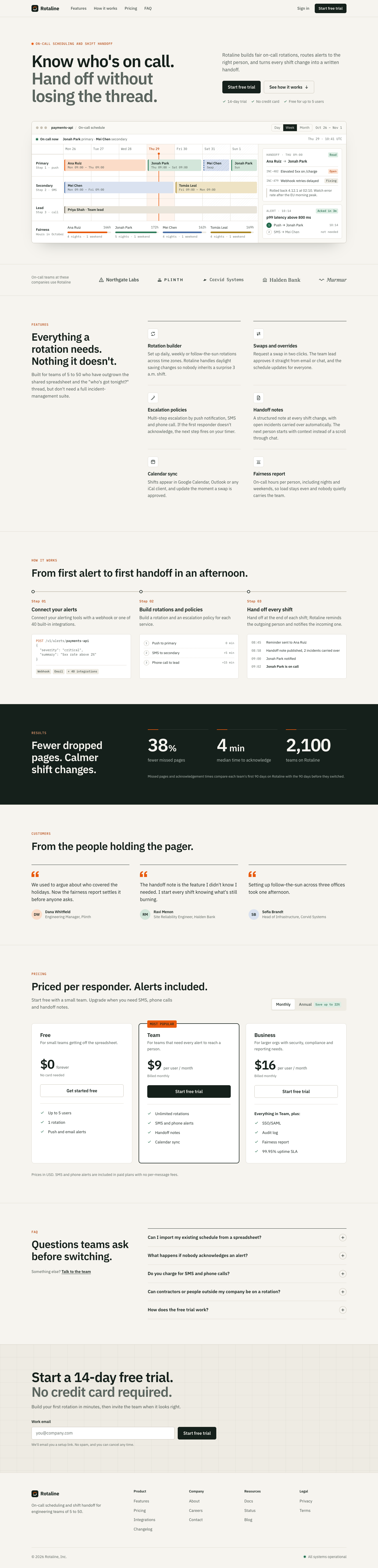
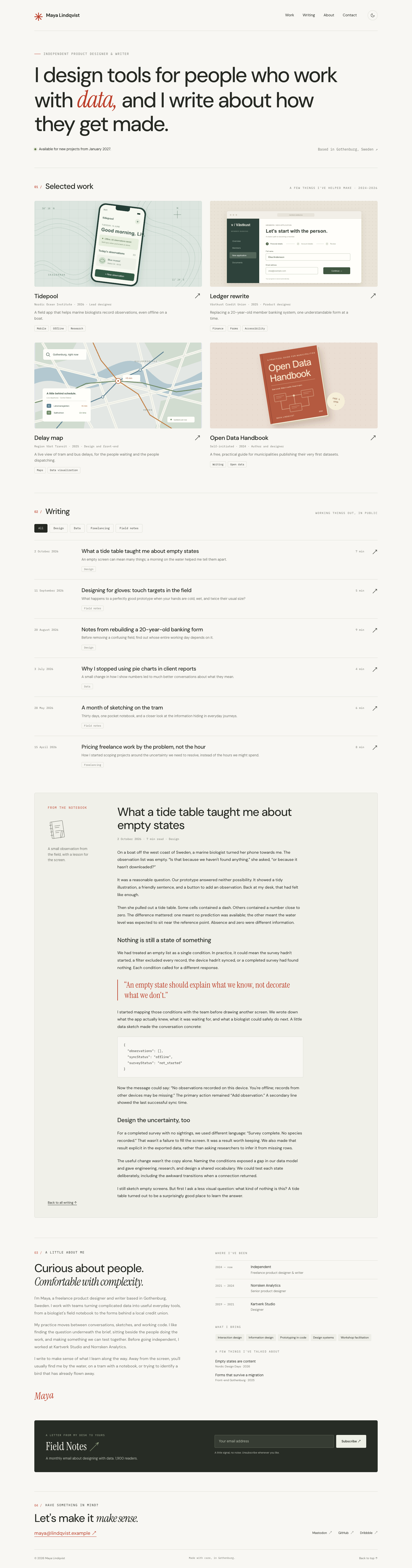
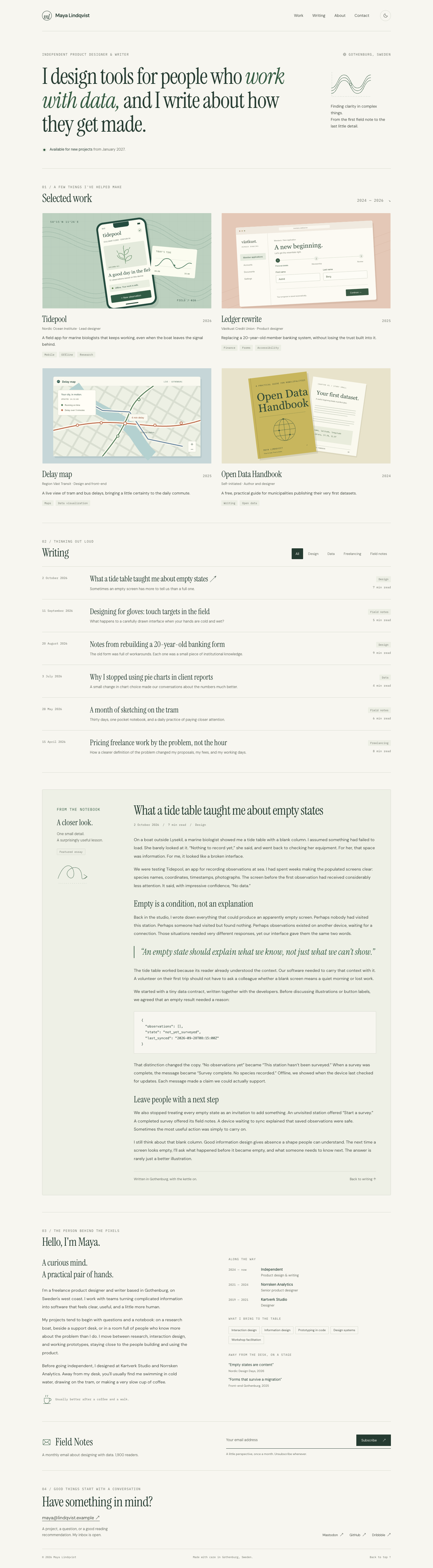
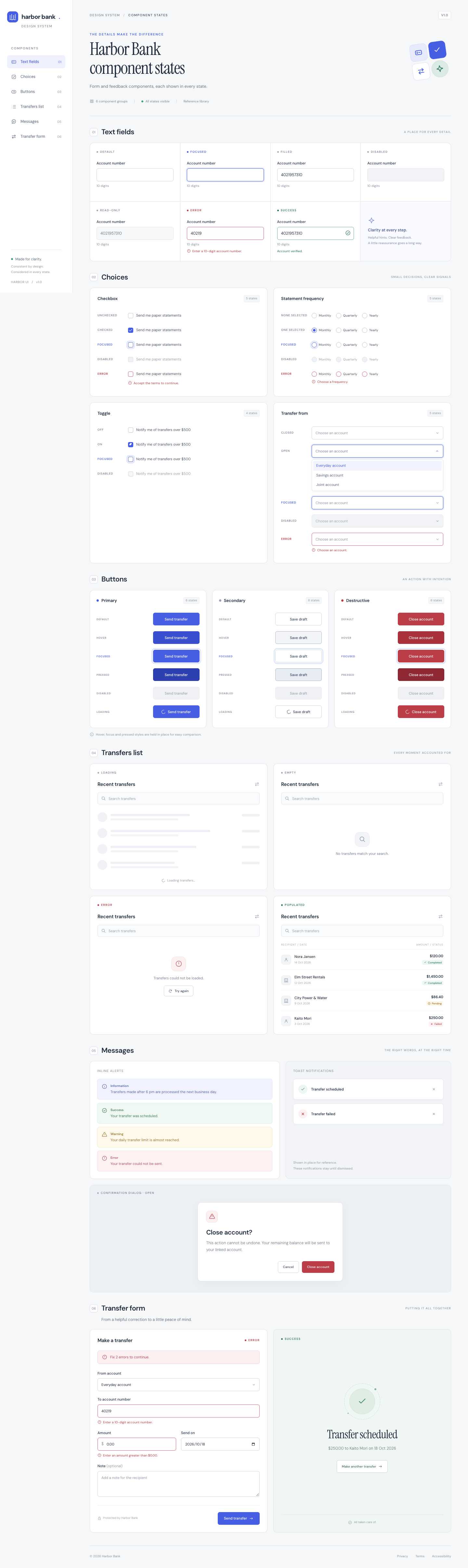
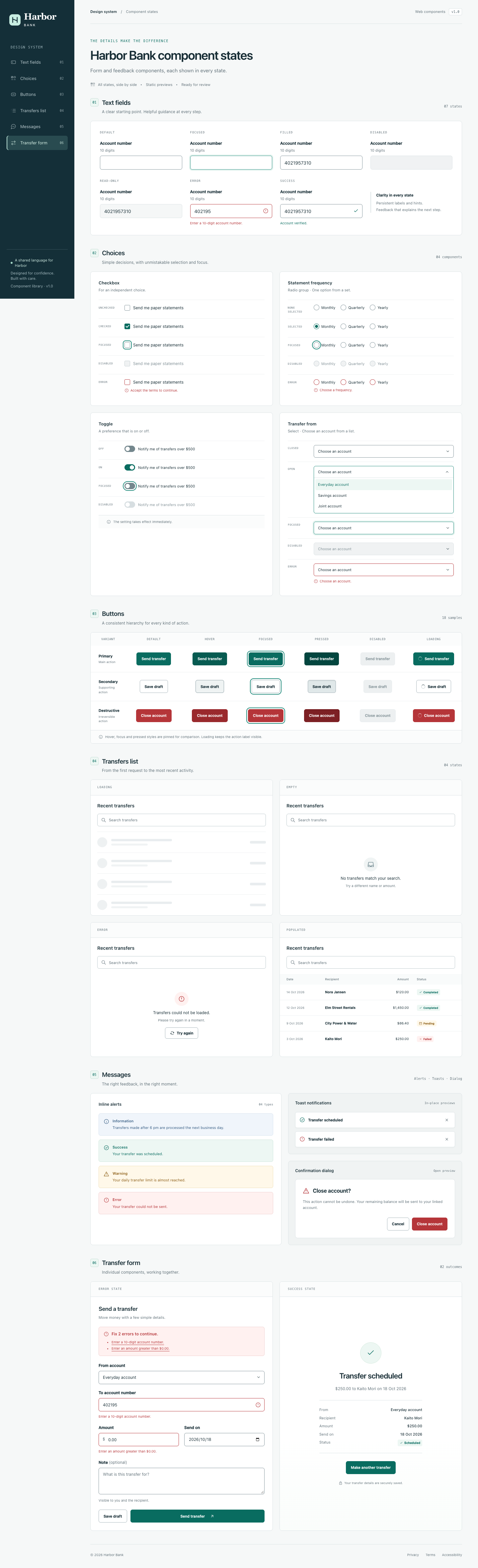
Each prompt shows a fixed 2×2: Codex native, Codex + skill, Claude Code native, Claude Code + skill. Click a screenshot to see the full page. Install and use ↓
Strengths
What the skill's own documentation says it is good at, with a link to where it says so. These are claims, not results: compare them with the pages below.
Project-level install: copy the skill folder (the one that contains SKILL.md) into your project at the pinned commit. The gallery runs installed it the same way.
Claude Code
Install
Copy the folder to <project>/.claude/skills/frontend-ui-engineering/.
# interactive
/frontend-ui-engineering <your task>

# or end any request with
Use the frontend-ui-engineering skill.

# headless, as in the gallery runs
claude -p '<your task> Use the frontend-ui-engineering skill.'
To make it available in every project, put the folder in ~/.claude/skills/frontend-ui-engineering/ instead. Claude Code can also load the skill by itself when a request matches the skill's description.
Codex
Install
Copy the folder to <project>/.agents/skills/frontend-ui-engineering/.
# interactive: mention it, or pick it from /skills
$frontend-ui-engineering <your task>

# headless, as in the gallery runs
codex exec -s workspace-write '<your task> Use the $frontend-ui-engineering skill.'
To make it available in every project, put the folder in ~/.agents/skills/frontend-ui-engineering/ instead. Codex can also pick the skill by itself, based on its description.
Notes
The "See Also" link (../../references/accessibility-checklist.md) points outside the skill folder and is not copied.
Part of a 25-skill repo; install only this folder, not the plugin.
Its main strengths (accessibility, loading/empty/error states) are not visible in screenshots of the three standard prompts; see the form-states showcase prompt and each cell's a11y scan.